
AI Business & Strategy Writer
The year 2026 has marked a significant leap forward in AI-powered image generation with the release of ChatGPT Images 2.0. Building upon the foundation laid by its predecessor, this latest iteration from OpenAI promises not just incremental improvements but a fundamental evolution in coherence, control, and creative capability. No longer just a tool for generating visually appealing pictures, ChatGPT Images 2.0 positions itself as a true creative partner, capable of understanding nuanced intent and executing complex visual ideas with surprising accuracy.
This in-depth review will dissect the key features that set ChatGPT Images 2.0 apart, including its revolutionary “Thinking Mode,” its dramatically improved text rendering, and a suite of new control mechanisms. We’ll put the model through its paces with real-world benchmarks and explore practical applications across various industries, from marketing and design to education and entertainment. Whether you’re a seasoned AI artist or a business professional looking to leverage visual content, this review will provide you with everything you need to know about one of the most powerful image generation tools of 2026.
Inside the Revolution: What’s New in ChatGPT Images 2.0?
The upgrade from the previous version is substantial. While the initial release of ChatGPT’s image capabilities was impressive, it often struggled with complex prompts, logical consistency, and the infamous challenge of rendering readable text. ChatGPT Images 2.0 addresses these limitations head-on with a more sophisticated underlying architecture.
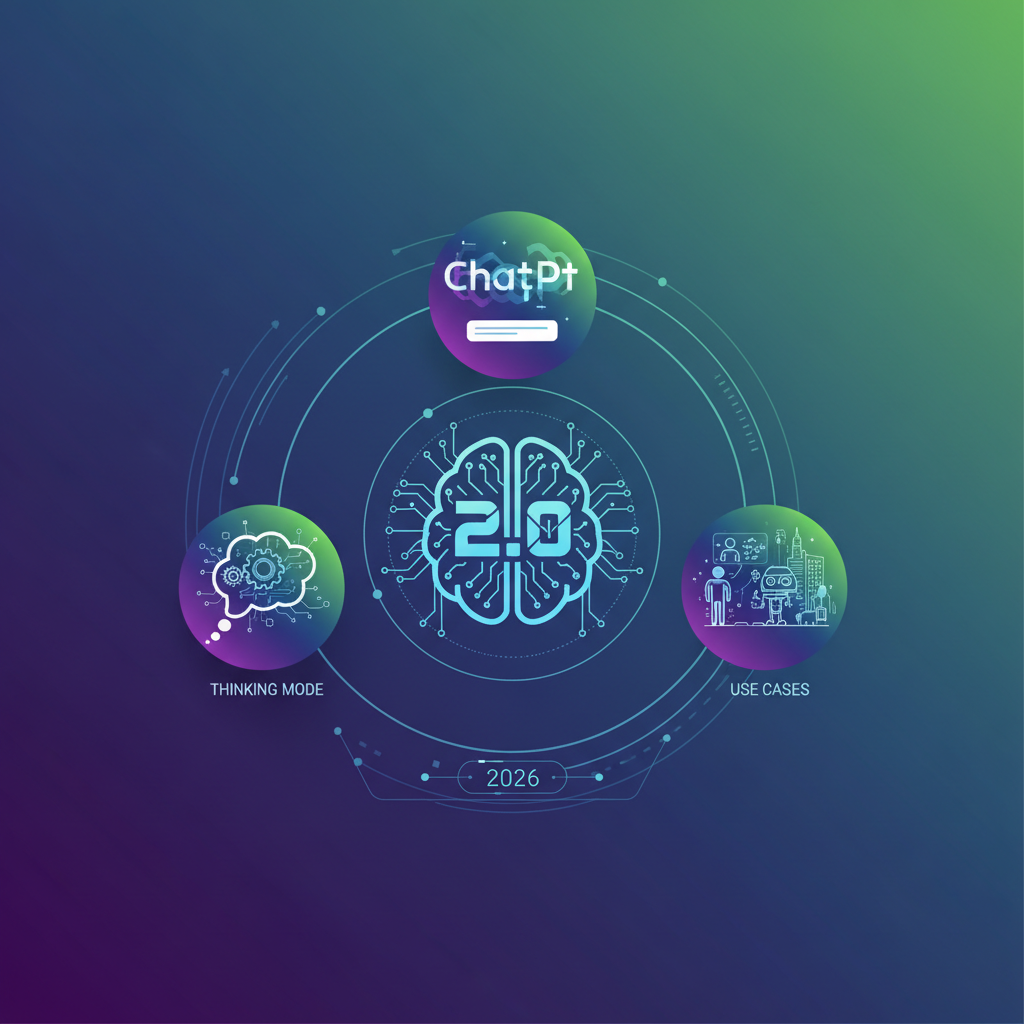
Image: AI-generated
The core improvement lies in the model’s deeper integration with the reasoning capabilities of the main ChatGPT language model. Instead of treating the image generation as a separate process, Images 2.0 engages in a more holistic interpretation of your request. It doesn’t just parse keywords; it understands context, intent, and the relationships between objects described in a prompt. This leads to images that are not only aesthetically pleasing but also logically sound and contextually appropriate.
As noted in our recent coverage of OpenAI’s recent enhancements, this update is part of a broader trend towards more integrated and intelligent multimodal systems. The days of siloed AI models are quickly coming to an end.
Deep Dive: The “Thinking Mode” Game Changer
The standout feature of ChatGPT Images 2.0 is undoubtedly its “Thinking Mode.” When activated, this optional setting allows the model to verbalize its internal reasoning process before generating an image. You get to see a step-by-step breakdown of how it interprets your prompt, plans the composition, considers stylistic choices, and addresses potential challenges.
For example, if you prompt, “A steampunk owl reading a map in a dimly lit library,” Thinking Mode might respond:
“Okay, let’s break this down. The core subject is an owl, but it needs steampunk elements—maybe brass goggles, gears, and metallic feathers. The setting is a dimly lit library, so I need to create a moody atmosphere with shadows and warm light sources like a desk lamp. The owl is reading a map, so I should focus on positioning the map clearly, perhaps on a wooden table, and ensure the owl’s posture looks engaged. I’ll use a dark, rich color palette with highlights on the owl and the map to draw the viewer’s eye.”
This transparency is a game-changer for several reasons. Firstly, it builds trust. You understand why the AI made certain creative decisions. Secondly, it serves as an incredible learning tool for users to refine their prompting skills. By seeing how a sophisticated model deconstructs a request, you can learn to write clearer, more effective prompts. Finally, it allows for iterative refinement. If the “thinking” is off, you can correct the model’s interpretation before it even begins rendering, saving time and computational resources. For those looking to master the art of prompting for other creative tasks, our guide on crafting high-converting marketing copy offers complementary strategies.
Benchmarking Text Rendering: Finally, Legible Text!
Text rendering has been the Achilles’ heel of AI image generators for years. Previous models often produced garbled, misspelled, or visually incoherent text, making them unsuitable for creating memes, posters, product mock-ups, or any graphic design that required incorporating words. ChatGPT Images 2.0 claims to have solved this problem, and our testing largely confirms this.
We conducted a series of benchmarks, prompting the model to generate images containing everything from short phrases like “Sale: 50% Off!” to longer sentences on storefront signs and book covers. The results were strikingly accurate. The text was not only legible but also adhered to basic typographical principles, with appropriate spacing, alignment, and font styles that matched the overall aesthetic of the image.
This breakthrough opens up a massive range of new use cases. Imagine generating a fully realized product label, a custom birthday card with a personalized message, or a social media banner with a catchy headline—all within a single AI tool. This level of integration is a significant step towards a seamless content creation workflow. For complex automations that combine text and image generation, platforms like n8n can be incredibly powerful for stitching these capabilities together.
Practical Use Cases for Professionals and Creators in 2026
The theoretical improvements are impressive, but how does ChatGPT Images 2.0 perform in real-world scenarios? We explored applications across several domains:
- Marketing and Advertising: Creating rapid ad variations, social media graphics with integrated text, and compelling product visualization. The ability to generate consistent character mascots across different scenes is a particular boon for brand building.
- Concept Art and Storyboarding: Game developers and filmmakers can use the tool to quickly iterate on character designs, environments, and keyframes. The enhanced coherence ensures that characters remain consistent across different angles and actions.
- Education and Training: Generating custom illustrations for textbooks, presentations, and e-learning modules to explain complex concepts visually.
- UI/UX Design: Creating realistic app and website mock-ups with placeholder text that actually makes sense, speeding up the prototyping phase dramatically.
- Content Creation: Bloggers and journalists can now create unique featured images, charts, and infographics on-demand, reducing reliance on stock photo libraries.
This versatility is echoed in the broader AI tool landscape. For instance, just as ChatGPT Images 2.0 revolutionizes static visuals, the best AI video dubbing tools of 2026 are transforming audiovisual content, creating a full-stack AI media production suite for modern creators.
Limitations and Ethical Considerations
Despite its advancements, ChatGPT Images 2.0 is not without limitations. It can still occasionally struggle with hyper-realistic human faces in specific lighting conditions, sometimes introducing subtle uncanny valley effects. Highly complex prompts involving multiple interacting objects with precise spatial relationships can also lead to inconsistencies.
Ethically, the power of this tool necessitates responsible use. The ability to generate convincing images and text combinations heightens the risk of creating misleading information or counterfeit materials. OpenAI has implemented safeguards, including invisible watermarking and content filters, but the onus remains on users to employ this technology ethically. The ongoing developments in the field, such as those discussed in our analysis of the latest Claude Opus model, show that the entire industry is grappling with these important challenges.
Final Verdict: Is ChatGPT Images 2.0 Worth It in 2026?
ChatGPT Images 2.0 is a monumental achievement and a clear leader in the AI image generation space for 2026. The introduction of Thinking Mode fundamentally changes the user experience from a black-box generator to a collaborative creative process. The solved problem of text rendering alone makes it a viable tool for professional workflows that were previously impossible with AI.
While competitors like Midjourney, Adobe Firefly, and Stable Diffusion 4 continue to push boundaries, ChatGPT Images 2.0’s strength lies in its seamless integration with a world-class language model. This synergy allows for a level of prompt understanding and logical consistency that is currently unmatched. For anyone whose work or hobby involves creating visual content, mastering this tool is no longer optional—it’s essential.
Ready to explore the future of AI image generation? Dive into ChatGPT Images 2.0 and experience its capabilities firsthand. For developers and businesses looking to integrate similar AI functionalities, exploring platforms like OpenRouter can provide access to a wide range of models and APIs.
What to Read Next
- Claude Code Quality Update Review 2026: Latest Reports and Fixes
- Hostinger vs Contabo 2026: Which VPS is Better for AI Projects?
- Retrieval-Augmented Generation (RAG): What It Means in AI and Why It Matters (2026 Guide)
- OpenAI Unleashes GPT-4o, Anthropic Expands Claude, and Google Challenges NVIDIA in AI Chips | April 24, 2026
- Browse all AI Stack Digest articles
Bookmark aistackdigest.com for daily AI tools, reviews, and workflow guides. For affordable VPS hosting ideal for AI projects, Contabo offers excellent value.
This article was produced with the assistance of AI tools and reviewed by the AIStackDigest editorial team.