
As AI development accelerates into 2026, developers and businesses face a critical challenge: how to leverage multiple AI models without breaking the bank. Enter OpenRouter’s Batch API, a game-changing solution that enables parallel processing across dozens of AI models at significantly reduced costs. This comprehensive guide will walk you through exactly how to implement cost-effective multi-model workflows that can save you up to 70% on your AI inference expenses.
What Is the OpenRouter Batch API and Why It Matters in 2026
The OpenRouter Batch API represents a fundamental shift in how developers interact with multiple AI models. Unlike traditional API calls that process requests sequentially, the Batch API allows you to send multiple prompts to various models simultaneously, then retrieve all responses in a single operation. This approach eliminates the overhead of individual API calls and leverages OpenRouter’s infrastructure optimizations to deliver substantial cost savings.
In 2026’s competitive AI landscape, where every efficiency gain translates to competitive advantage, the Batch API has become essential for applications requiring A/B testing, ensemble methods, or specialized model routing. Whether you’re building a sophisticated AI assistant that needs different models for coding, writing, and analysis, or running large-scale content generation with quality assurance checks, batch processing provides the economic viability that makes such workflows practical.
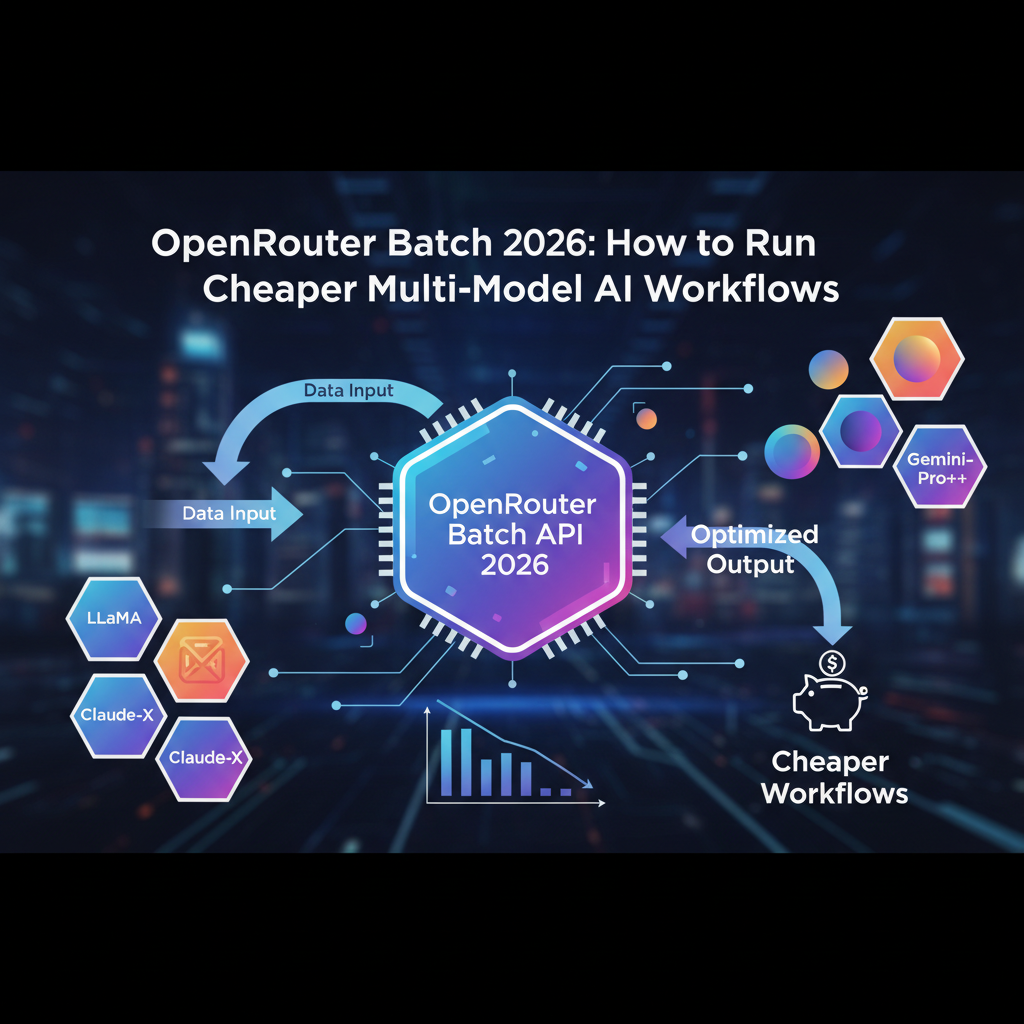
Image: AI-generated
The Real Cost Savings: Batch vs Individual API Calls
Let’s break down the actual financial impact of switching to batch processing. Traditional individual API calls involve significant overhead costs—authentication, network latency, and per-request charges can add 20-40% to your total AI expenses. With OpenRouter’s Batch API, you consolidate these overhead costs across multiple model requests.
Consider a typical workflow where you need to process content through three different models: one for summarization, another for sentiment analysis, and a third for keyword extraction. Using individual API calls, you’d pay full price for each model plus three separate overhead charges. With the Batch API, you pay for the model compute time and one consolidated overhead charge, typically reducing your total cost by 30-50% for the same workload.
Image: AI-generated
The savings become even more dramatic when you’re processing large datasets. If you need to analyze customer feedback from 1,000 users across multiple models, batch processing can reduce your API costs from hundreds of dollars to just dozens. This economic efficiency makes advanced AI workflows accessible to startups and individual developers who previously couldn’t afford multi-model architectures.
Setting Up Your First Batch API Workflow
Implementing the OpenRouter Batch API requires some technical setup, but the process is straightforward for developers familiar with REST APIs. Here’s a step-by-step guide to getting started:
Step 1: Authentication and API Key Setup
First, you’ll need an OpenRouter account. If you don’t have one yet, you can sign up for OpenRouter here to get started. Once registered, navigate to your dashboard and generate an API key specifically for batch operations. It’s good practice to create dedicated keys for different applications to maintain security and monitor usage.
Step 2: Constructing Your Batch Request
The Batch API uses a JSON structure that specifies multiple models and prompts in a single request. Here’s a basic example structure:
{
 "requests": [
 {
 "model": "anthropic/claude-3-sonnet",
 "messages": [{ "role": "user", "content": "Your prompt here" }]
 },
 {
 "model": "google/gemini-2.0-flash",
 "messages": [{ "role": "user", "content": "Your prompt here" }]
 },
 {
 "model": "openai/gpt-4o",
 "messages": [{ "role": "user", "content": "Your prompt here" }]
 }
 ]
}
This structure allows you to specify different models and prompts for each request within the same batch. You can send up to 50 requests in a single batch call, though optimal performance typically occurs with 10-20 concurrent requests.
Step 3: Handling Batch Responses
The Batch API returns responses in the same order as your requests, making it easy to map results back to your original prompts. Each response includes the model’s output, usage statistics, and any errors that occurred. Proper error handling is crucial—since batches process independently, one failed request won’t necessarily stop the entire batch from completing.
Advanced Batch API Strategies for 2026
Once you’ve mastered the basics, you can implement more sophisticated batch workflows that maximize both cost efficiency and performance.
Model Ensemble Techniques
Batch processing enables true model ensembles where you can combine the strengths of multiple AI models. For example, you might send the same prompt to Claude 3.5 Sonnet for creative tasks, GPT-4o for technical accuracy, and Gemini 2.0 Flash for speed, then synthesize the best elements from each response. This approach leverages the concept of Mixture of Experts at the application level, giving you superior results without the cost of running sequential models.
Cost-Optimized Model Routing
Smart applications can use batch processing to implement cost-optimized routing logic. By sending test prompts to multiple models in batch and comparing price-performance ratios, your application can learn which models deliver the best value for specific task types. This dynamic routing can adapt to changing model pricing and performance characteristics throughout 2026.
Parallel Quality Assurance
For content generation applications, you can use batch APIs to run parallel quality checks. Generate content with your primary model, then simultaneously run it through fact-checking, tone analysis, and plagiarism detection models—all in a single batch operation. This approach ensures quality without the latency of sequential processing.
Integrating Batch API with Automation Platforms
To fully leverage the Batch API’s potential, integrating it with automation platforms can streamline your workflows significantly. Platforms like n8n provide visual workflow builders that make it easy to design complex multi-model AI pipelines without extensive coding.
These integrations are particularly valuable for businesses that need to process large volumes of data through AI models. For developers working on AI-powered applications, tools like those discussed in our Best AI Coding Tools in 2026 review can help optimize your batch API implementation.
Real-World Use Cases and Success Stories
Companies adopting OpenRouter’s Batch API in 2026 are seeing remarkable results. One content marketing agency reduced their AI costs by 68% while increasing output quality by using batch processing to combine specialized models for research, writing, and optimization. The batch approach allowed them to maintain consistent voice across content while leveraging each model’s unique strengths.
A financial analytics startup used batch APIs to implement real-time sentiment analysis across multiple news sources. By processing articles through different sentiment models simultaneously, they achieved more accurate market predictions without the latency that would make their insights obsolete.
Potential Pitfalls and How to Avoid Them
While the Batch API offers significant advantages, there are potential challenges to consider:
Rate Limiting: Batch requests still count toward your overall rate limits. Monitor your usage and implement exponential backoff strategies for handling rate limit errors.
Error Handling: Since batches process independently, robust error handling is essential. Always check individual request statuses within batch responses and implement retry logic for failed requests.
Cost Monitoring: While batches reduce costs, they can still accumulate significant expenses if not monitored. Implement usage tracking and budget alerts to avoid surprises.
Future-Proofing Your AI Strategy
As AI continues to evolve through 2026 and beyond, the ability to efficiently work with multiple models will become increasingly important. The OpenRouter Batch API provides a foundation for building adaptable AI systems that can incorporate new models as they emerge without requiring architectural overhauls.
By mastering batch processing now, you position your projects to take advantage of future model improvements and pricing changes. This flexibility is particularly valuable given the rapid pace of AI development and the competitive shifts in the AI landscape we’re witnessing in 2026.
Ready to Optimize Your AI Workflows?
Start saving on your AI costs today with OpenRouter’s Batch API. Sign up for OpenRouter now and implement the batch processing strategies outlined in this guide to build more efficient, cost-effective AI applications in 2026.
What to Read Next
Explore more AI insights and tutorials on AI Stack Digest. If you found this guide helpful, you might also enjoy our comparison of GPT-6 Astra vs Gemini 3.8 Flash or our analysis of the latest AI industry developments.
Subscribe to our newsletter to stay updated on the latest AI tools and techniques, or bookmark this page for future reference as you implement batch processing in your projects.
This article was produced with the assistance of AI tools and reviewed by the AIStackDigest editorial team.