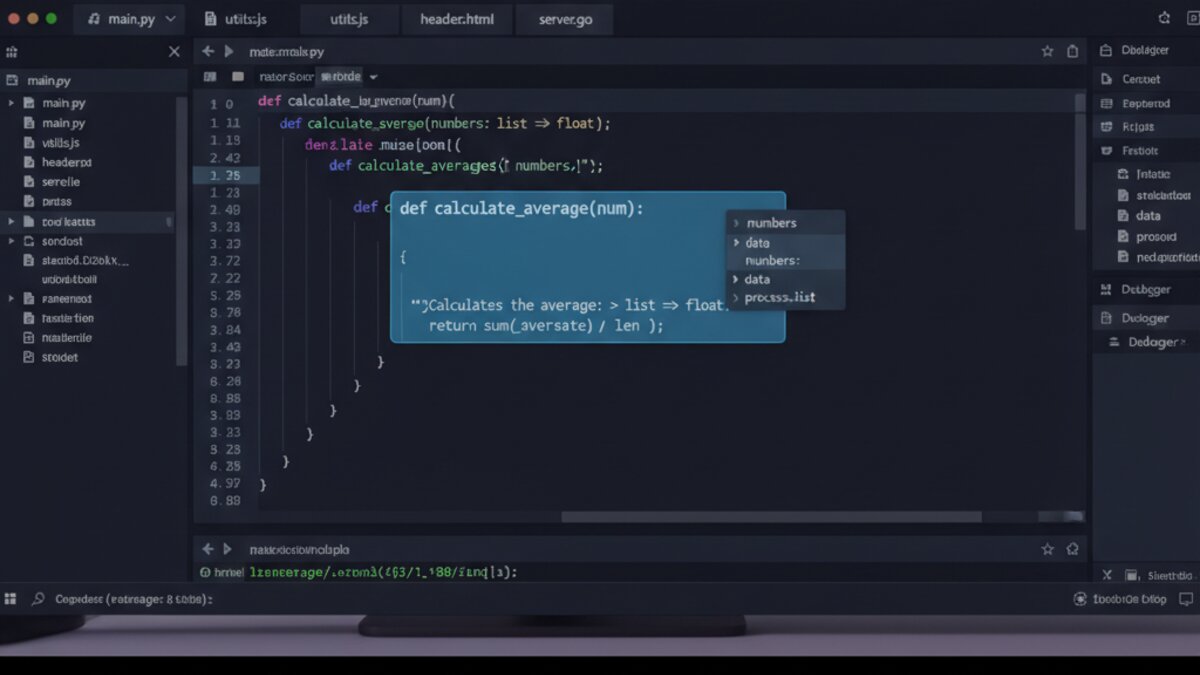

Something fundamental shifted in the way developers write code over the past two years. AI coding assistants evolved from clever autocomplete toys into full-fledged collaborative agents capable of understanding entire codebases, proposing multi-file refactors, and even deploying changes autonomously. In mid-2026, the competition between the leading tools — Cursor, GitHub Copilot, Windsurf, and Zed — has never been sharper, or more consequential for everyday developers.
We spent six weeks putting each tool through its paces across real-world projects: a React/TypeScript frontend, a Python FastAPI backend, and a legacy PHP monolith that nobody wanted to touch. Here is what we found.

Image: AI-generated
Why 2026 Is a Pivotal Year for AI Coding Tools
The category matured rapidly because the underlying models did. Frontier code models now routinely score above 90% on HumanEval, and context windows large enough to hold an entire mid-size codebase mean the old excuse — “the AI doesn’t understand the project” — simply no longer holds. What separates tools today is not raw intelligence but integration depth, agent autonomy, and workflow fit.
According to the Stack Overflow Developer Survey 2026, over 78% of professional developers now use an AI coding assistant daily, up from 44% in 2024. The question is no longer whether to adopt one — it is which one.
Cursor: The Agentic Powerhouse
Cursor arrived as a VS Code fork and has since grown into something distinctly its own. Its standout feature in 2026 is Agent Mode, which allows the AI to plan a multi-step task, write code across multiple files, run terminal commands, read error output, and iterate — all without you lifting a finger beyond approving the plan. For a greenfield feature, this is transformative.
The Composer panel lets you describe what you want in plain English, and Cursor maps that intent onto diffs spanning dozens of files. We asked it to “add a full RBAC permission system to the FastAPI app” — it produced a working implementation in under four minutes, complete with middleware, database migrations, and updated tests. That kind of output would take an experienced developer the better part of a day.
- Model routing: Cursor lets you choose which underlying LLM powers completions — Claude Sonnet 4, GPT-4o, Gemini 2.5 Pro, and others. Power users who want to experiment with different models for different tasks will appreciate this flexibility. If you are connecting to OpenRouter to manage model costs across your team, Cursor integrates cleanly.
- Codebase indexing: Cursor indexes your entire repo on first open. Subsequent queries are context-aware in a way that flat-file autocomplete simply cannot match.
- Privacy controls: Business tier offers a no-training data policy, important for teams handling proprietary code.
Verdict: Best-in-class for developers who want agent-level autonomy and are comfortable supervising AI-driven changes. The learning curve is real, but the productivity ceiling is higher than any other tool tested.
Try Cursor AI — it offers a generous free tier before committing to a paid plan.
GitHub Copilot: The Enterprise Standard
Image: Microsoft Copilot
Copilot was the tool that started the category and, in 2026, it remains the safe choice for enterprise teams. Microsoft’s deep integration with GitHub means Copilot has access to your pull request history, issue tracker, and CI/CD pipeline in ways that standalone tools cannot replicate. Copilot Workspace — the agentic layer launched in late 2025 — now handles end-to-end issue-to-PR flows: you assign an issue, Copilot reads the discussion, plans a solution, opens a branch, writes the code, and creates a draft PR.
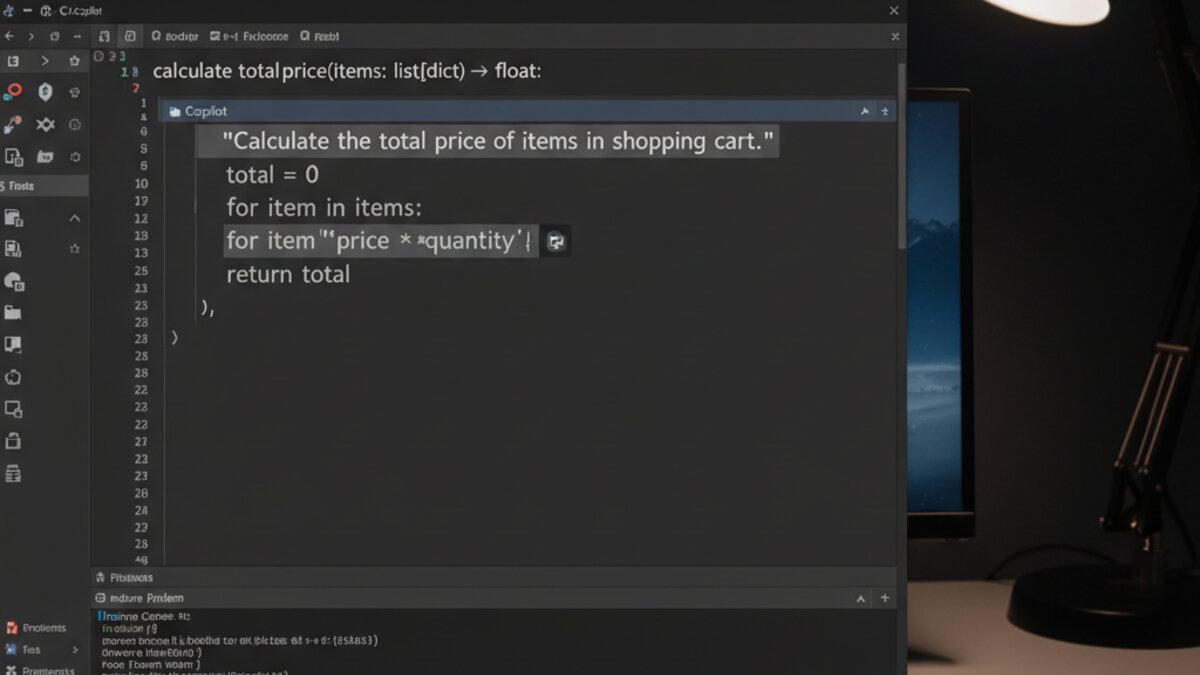
Image: AI-generated
Where Copilot shines is in team consistency. Admin-defined coding standards, security policies, and language preferences propagate automatically to every developer’s instance. For regulated industries with strict code review requirements, that centralised governance is a genuine selling point Cursor cannot yet match.
- Multi-model support: Copilot now lets enterprise users select between OpenAI o3-mini, Claude Sonnet, and Gemini models per workspace, giving teams flexibility without switching tools.
- IDE coverage: VS Code, JetBrains IDEs, Vim, Neovim, Xcode, and Eclipse — Copilot wins on breadth of editor support.
- Pricing: $19/month individual, $39/month business (includes admin controls, policy management, and audit logs).
Verdict: The right call for teams already deep in the GitHub ecosystem. Individual developers may find Cursor’s agent autonomy more exciting, but Copilot’s enterprise integrations are hard to replicate.
Windsurf: The Dark Horse Challenger
Windsurf — Codeium’s flagship IDE — quietly became a serious contender in early 2026. Its Cascade agent is conceptually similar to Cursor’s Agent Mode but with one important difference: Cascade maintains a persistent memory of your coding patterns across sessions. It learns that you prefer composition over inheritance, that you write tests before implementation, that your team uses a specific branching strategy. Over weeks, this contextual memory makes suggestions increasingly personalised.
Windsurf’s pricing is also worth noting. The free tier is the most generous in the category, making it an excellent choice for students and independent developers. Performance on our React project was surprisingly strong — Cascade handled a complex state-management refactor from Redux to Zustand with fewer approval interventions than Cursor required.
Verdict: A compelling free-tier option and a genuine productivity tool for developers who stick with it long enough for the memory layer to kick in. Watch this space — Windsurf is improving faster than either of its main rivals.
Zed: The Speed-First Alternative
Zed takes a contrarian position: instead of agent autonomy, it optimises for raw editor speed and minimal friction. Built in Rust, Zed opens large codebases in milliseconds and its AI integration — powered by a combination of Claude and its own smaller context model — is designed to feel instantaneous. There are no loading spinners. Completions appear before you finish typing.
Zed’s collaborative editing features — real-time multiplayer code sessions — remain unique in the category. For pair-programming workflows or onboarding new developers, having an AI in the room alongside a human colleague is a different kind of powerful than solo agent mode.
Verdict: Not for everyone, but if editor performance and real-time collaboration matter more to you than agentic autonomy, Zed deserves serious consideration. According to the GitHub research on AI coding assistants, speed of response remains one of the top factors developers cite in tool satisfaction.
Head-to-Head: Which Tool Wins?
There is no single winner — but there is a right answer for your situation:
- Solo developer or startup: Start with Cursor. The agent autonomy compounds quickly, and the free tier is enough to evaluate whether it fits your workflow.
- Enterprise engineering team on GitHub: Copilot’s governance controls and Workspace integration make it the lowest-risk choice for regulated environments.
- Budget-conscious or student developer: Windsurf’s free tier is hard to beat, and the improving memory layer means your investment of time pays off over months.
- Performance obsessive or collaborative teams: Zed’s Rust-powered speed and multiplayer editing are genuinely differentiated.
What is clear is that AI-assisted coding is no longer a productivity multiplier — it is baseline infrastructure. Teams that have not adopted a serious coding tool by the end of 2026 will be competing against developers who effectively have a capable junior engineer available at all times. The question is which tool serves as that engineer most reliably for your specific context.
Video: AI Coding Tools Compared
Image: AI-generated
What to Read Next
- AI Companies Destroying Rare Books in 2026: Inside the Controversial Training-Data Pipeline
- Best AI Automation & Workflow Tools in 2026: n8n vs Make vs Zapier and More
- AI Models Uncover Crypto Flaws, Nvidia Employee Detained, and OpenAI Notes “Task Crossover” Trend
- Best Cheap VPS for Running LLMs in 2026 (Under $15/month)
- Browse all AI Stack Digest articles
Bookmark aistackdigest.com for daily AI tools, reviews, and workflow guides.
This article was produced with the assistance of AI tools and reviewed by the AIStackDigest editorial team.