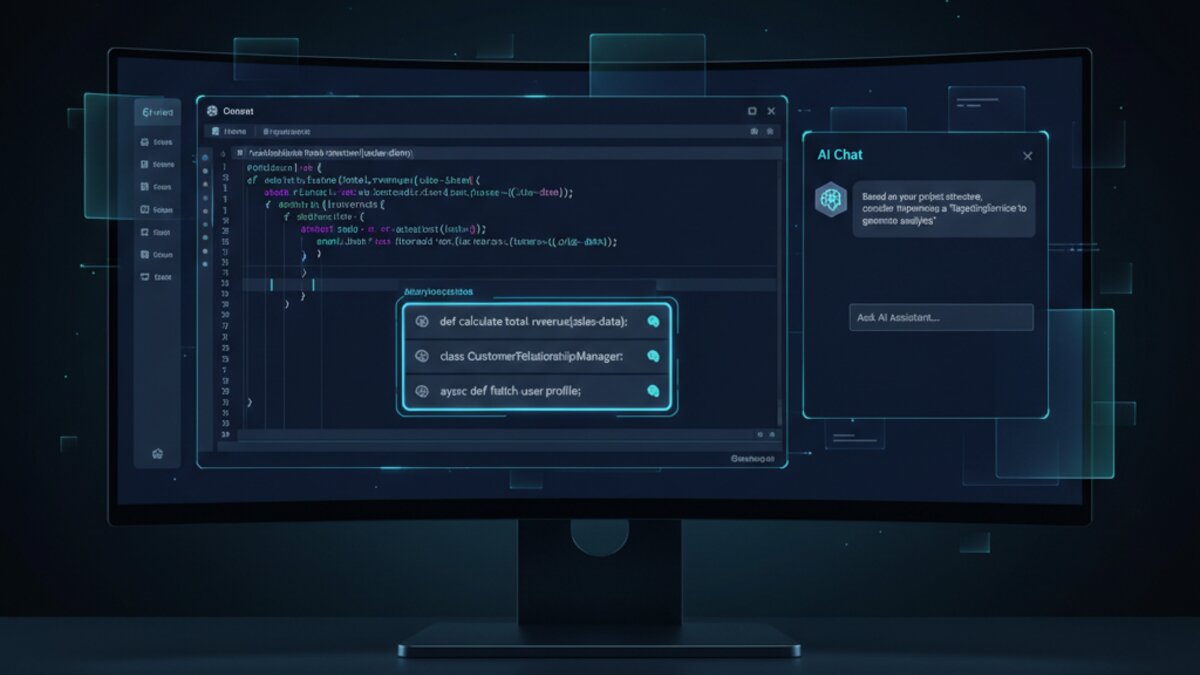

AI coding assistants have quietly become the most impactful category of developer tooling since the cloud revolution. As of 2026, a developer without an AI pair programmer is about as common as one without version control. But with the market now crowded with serious contenders, the real question isn’t whether to use an AI coding assistant — it’s which one.
This guide breaks down the top AI coding assistants available right now: Cursor, GitHub Copilot, Codeium (Windsurf), and Amazon Q Developer. We compare them on what actually matters: context awareness, multi-file editing, agent capabilities, speed, and pricing — so you can make an informed choice for your workflow.
Image: AI-generated
Why AI Coding Assistants Have Become Non-Negotiable
The productivity gains are no longer theoretical. A GitHub survey from late 2025 found that developers using AI coding tools completed tasks up to 55% faster on average — and, critically, reported higher satisfaction with the work they produced. That second stat matters: this isn’t about cutting corners. It’s about spending less time on boilerplate and more time on architecture, logic, and creative problem-solving.
But not all assistants are created equal. The gap between a mediocre tab-complete tool and a true AI programming partner is enormous. Here’s how the leading options stack up.
Cursor: The IDE-Native AI Powerhouse

Cursor has emerged as the favourite among professional developers who live inside their editor. Built as a fork of VS Code, it integrates AI at the IDE level rather than as a bolt-on extension — and that distinction shows.
What sets Cursor apart:
- Composer mode: Cursor’s flagship feature lets you describe a change in natural language and have the AI rewrite multiple files simultaneously, respecting your existing patterns and imports.
- Codebase indexing: Cursor indexes your entire repository so it can answer questions like “Where is the auth logic?” or “Why is this API call failing?” with genuine context.
- Chat with your code: An inline chat panel lets you ask about functions, request refactors, or debug specific blocks without leaving the editor.
- Model flexibility: Cursor lets you swap between Claude, GPT-4o, and other models depending on your task and budget.
Pricing: Free tier (2,000 completions/month), Pro at $20/month, Business at $40/user/month.
Best for: Full-stack developers, solo builders, and teams wanting deep codebase understanding over simple completions.
GitHub Copilot: The Enterprise Standard
Image: Microsoft Copilot
GitHub Copilot remains the most widely deployed AI coding assistant in enterprise environments, and for good reason. Its deep integration with GitHub, VS Code, JetBrains IDEs, and now the GitHub CLI makes it the path of least resistance for teams already in the Microsoft/GitHub ecosystem.
The 2025 upgrade to Copilot Workspace was a significant leap. Developers can now describe a task in a GitHub issue and Copilot will plan, implement, and open a pull request — all with minimal manual intervention. It’s a genuine agentic workflow, not just autocomplete.
- Inline suggestions: Still best-in-class for speed and low latency.
- Copilot Chat: Context-aware Q&A baked into VS Code and JetBrains.
- Copilot Workspace: End-to-end task execution from issue to PR.
- Enterprise controls: IP indemnification, content exclusions, and audit logs.
Pricing: Individual at $10/month, Business at $19/user/month, Enterprise at $39/user/month.
Best for: Enterprise teams, GitHub-native workflows, and developers who want reliable, fast inline completions above all else.
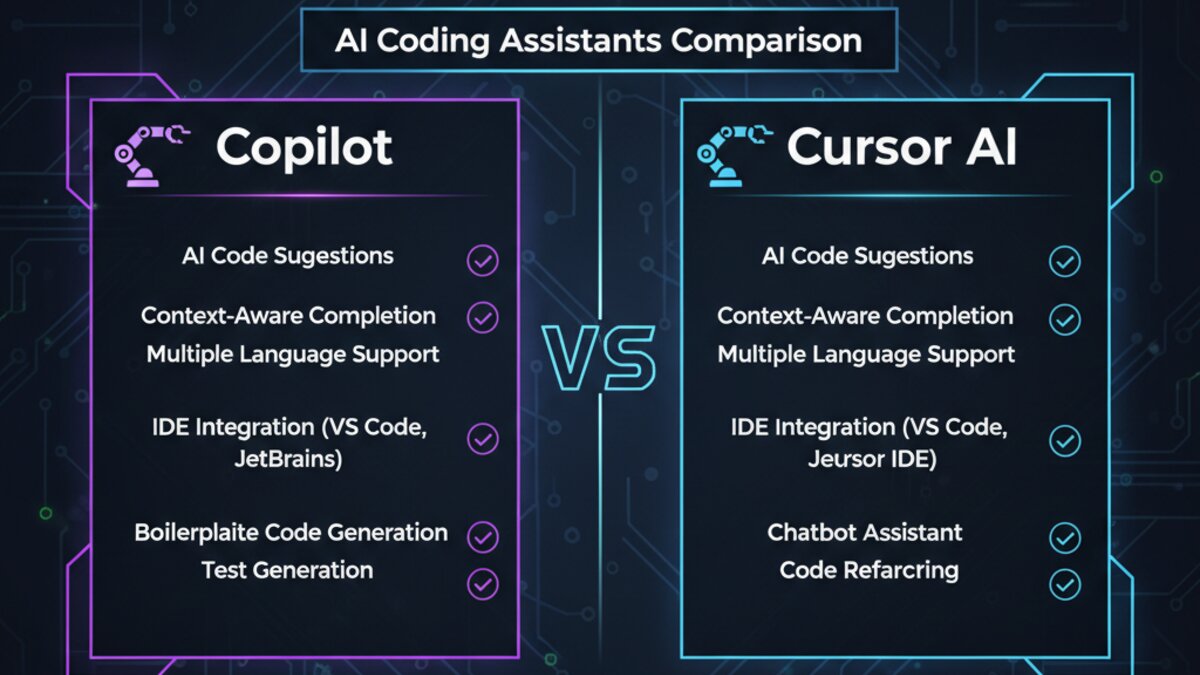
Image: AI-generated
Codeium (Windsurf): The Free Tier Champion
Codeium rebranded its IDE product as Windsurf in late 2024, and the renewed focus on the editor experience has paid off. Windsurf’s free tier is genuinely generous — unlimited completions with no cap — making it the go-to choice for students, indie developers, and anyone who can’t justify a subscription.
Windsurf’s Cascade feature is its agentic mode, capable of multi-step edits, terminal command execution, and iterative debugging. In benchmarks, Cascade has held its own against Cursor’s Composer for single-session tasks, though Cursor’s codebase indexing gives it an edge on larger projects.
- Free tier: Unlimited completions — no monthly cap.
- Cascade: Agentic editing with terminal and file access.
- Multi-IDE support: VS Code, JetBrains, Vim, Neovim, and more.
Pricing: Free forever tier, Pro at $15/month.
Best for: Developers who want powerful AI assistance without a subscription commitment.
Amazon Q Developer: The AWS Builder’s Choice
If your stack lives on AWS, Amazon Q Developer (formerly CodeWhisperer) deserves serious attention. It has genuine advantages for cloud-native development: deep knowledge of AWS services, IAM policies, CDK constructs, and Lambda patterns that general-purpose assistants simply can’t match.
Amazon Q Developer’s security scanning feature is a standout — it automatically flags code that matches known vulnerability patterns and suggests fixes in context. For teams with compliance requirements, that’s a meaningful differentiator.
- AWS-native context: Trained on AWS documentation and service patterns.
- Security scanning: Automated vulnerability detection with remediation suggestions.
- Agent for software development: Multi-step feature implementation from a natural language spec.
Pricing: Free tier (50 agent requests/month), Pro at $19/user/month.
Best for: AWS-heavy teams and developers building cloud-native applications.
Head-to-Head: How They Compare
Choosing between these tools comes down to your priorities. Here’s a quick breakdown:
- Best codebase understanding: Cursor (full repo indexing is unmatched)
- Best enterprise features: GitHub Copilot (audit logs, IP indemnification, Workspace)
- Best free tier: Codeium/Windsurf (unlimited completions at no cost)
- Best for AWS development: Amazon Q Developer (domain-specific knowledge and security scanning)
- Best model flexibility: Cursor (swap Claude, GPT-4o, and others)
- Best inline completion speed: GitHub Copilot (lowest latency across IDEs)
For most individual developers and small teams, Cursor is the strongest all-rounder in 2026 — particularly if you work on complex codebases where context matters more than raw completion speed. For larger organisations already invested in GitHub, Copilot’s enterprise controls and Workspace integration are hard to argue with.
Tips for Getting the Most Out of Any AI Coding Assistant
Regardless of which tool you choose, these practices will significantly improve your results:
- Write better prompts. Specificity matters. “Refactor this function to handle null values and add JSDoc comments” will outperform “improve this function” every time.
- Review every suggestion. AI assistants confidently produce plausible-looking bugs. Trust but verify — treat every AI output like a junior developer’s pull request.
- Use chat for understanding, not just generation. “Explain what this function does and why it might be slow” is often more valuable than “rewrite this function.”
- Keep your context clean. Open only the files relevant to your task. Most assistants work better with focused context than a sprawling workspace.
- Pair it with good architecture. AI assistants amplify your patterns — good or bad. Invest in clean abstractions and the AI will reflect them back.
You can also explore models via OpenRouter, which lets developers route prompts to dozens of LLMs through a single API — useful if you want to experiment with the underlying models powering these tools directly in your own applications.
The Verdict
The AI coding assistant market has matured rapidly. What was a novelty in 2023 is now table stakes for competitive development teams. The tools above represent the genuine frontier — each with real strengths, each worth trialling before committing.
If you’re starting fresh: download Cursor and spend a week with it on a real project. The free tier is enough to know whether it fits your workflow. For teams in the GitHub ecosystem, Copilot’s Business plan delivers immediate enterprise value. And if budget is a constraint, Windsurf’s unlimited free tier is the no-brainer starting point.
The floor for developer productivity has been permanently raised. The only question is how high you want to set your ceiling.
For more context on the AI model ecosystem powering these tools, see the Stack Overflow 2025 Developer Survey on AI tool adoption.
Video: Cursor AI vs GitHub Copilot in Action
Image: AI-generated
This article was produced with the assistance of AI tools and reviewed by the AIStackDigest editorial team.