
AI Agent Specialist
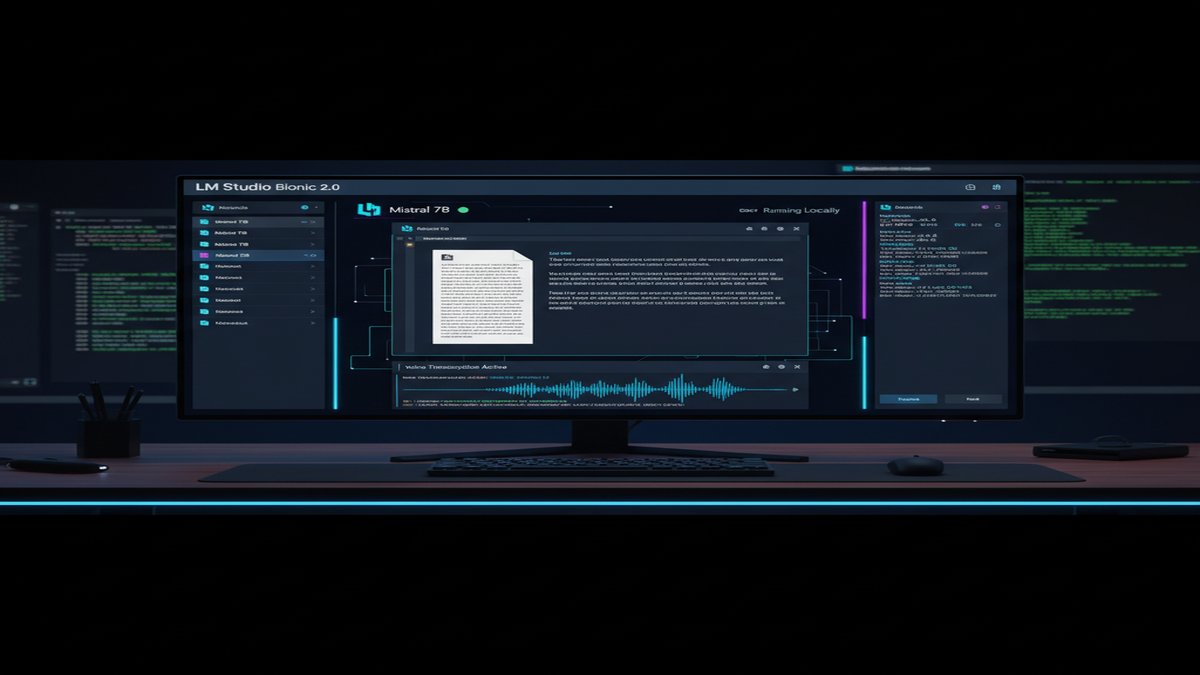
LM Studio Bionic 2.0 is redefining how developers work with local AI. Voice transcription, native agentic capabilities, and seamless integration with frontier open models now mean that powerful AI work happens entirely on your machine—no cloud, no tracking, no latency.
The Local AI Revolution Is Here: Meet LM Studio Bionic 2.0
The gap between cloud-native AI assistants and local-first alternatives has been shrinking fast, but LM Studio’s latest release marks a genuine inflection point. Bionic 2.0 isn’t just another chat interface wrapped around an open model. It’s a full agentic platform designed from the ground up for real work: creating documents, writing code, automating tasks, and controlling your computer—all running locally on consumer hardware.
What sets Bionic apart from Ollama’s command-line approach or Jan.ai’s web interface is native voice transcription with zero data leakage. You speak naturally into Bionic, your audio is transcribed locally using on-device models, and the transcript stays on your machine. Compare that to ChatGPT, Claude, or Google’s solutions, where voice recordings train your voice profile in cloud infrastructure. For developers handling sensitive code, researchers working with confidential data, or anyone prioritizing privacy, this is a watershed moment.
Image: LM Studio
Voice, Agents, and Consumer Hardware That Actually Works
LM Studio Bionic 2.0 ships with three major capabilities that change the equation for local AI workflows:
- Real-time voice transcription: Multilingual speech-to-text powered by on-device models. No network calls, no cloud processing. Latency drops from cloud averages of 500–1000ms to under 100ms on modern hardware.
- Full agentic control: Bionic can create documents, edit files, execute shell commands, and manipulate your desktop through computer vision. It sees what’s on screen and acts on it—the same way GPT-6 Astra completed Portal in 23 hours without human intervention.
- Hybrid model support: Run lightweight models locally (Mistral 7B, Llama 3.1 8B, Phi-4) for everyday tasks, then seamlessly switch to frontier open models (GLM 5.2, Kimi K3, DeepSeek V4 Pro) for complex reasoning—all without leaving the app.
The practical upshot? You can now have an AI assistant that respects your privacy, runs fast enough to feel responsive, and doesn’t require a $20/month subscription to OpenAI or $15/month to Anthropic. The cost-per-inference for local Mistral 7B is effectively zero after the initial download. Frontier open models run at $1.67 per 1M tokens through Ollama’s API or $4.65 through OpenRouter—a fraction of GPT-5.6 at $6.46 or Claude Fable 5 at $21.63.
Benchmarks: Local AI Is Now Fast Enough for Real Work
Speed has always been the local AI bottleneck. Developers working with command-line tools like llama.cpp or ollama serve often accepted 30–50 tokens/second as the price of privacy. That trade-off no longer exists.
According to TokenDyno benchmarks from August 2026, Ollama’s infrastructure now achieves 195.6 tokens/second serving DeepSeek v4 Flash—nearly 2x the throughput of Provider A (97.6 tok/s) and 3.9x faster than Provider C (50.5 tok/s). When you run the same models locally on modern hardware—RTX 4090 (24GB), Mac Studio M2 Max (96GB unified memory), or even mid-range laptops with 16GB VRAM—you get comparable or better speed for tasks that don’t require internet connectivity.
Memory efficiency has improved dramatically too. Mistral 7B now runs comfortably on 8GB VRAM with quantization, Llama 3.1 8B on 10GB, and even the larger Kimi K3 fits in 48GB configurations. For comparison, running GPT-5.6-Sol through OpenAI’s API requires only API calls, but you’re paying per token and your prompts are logged.
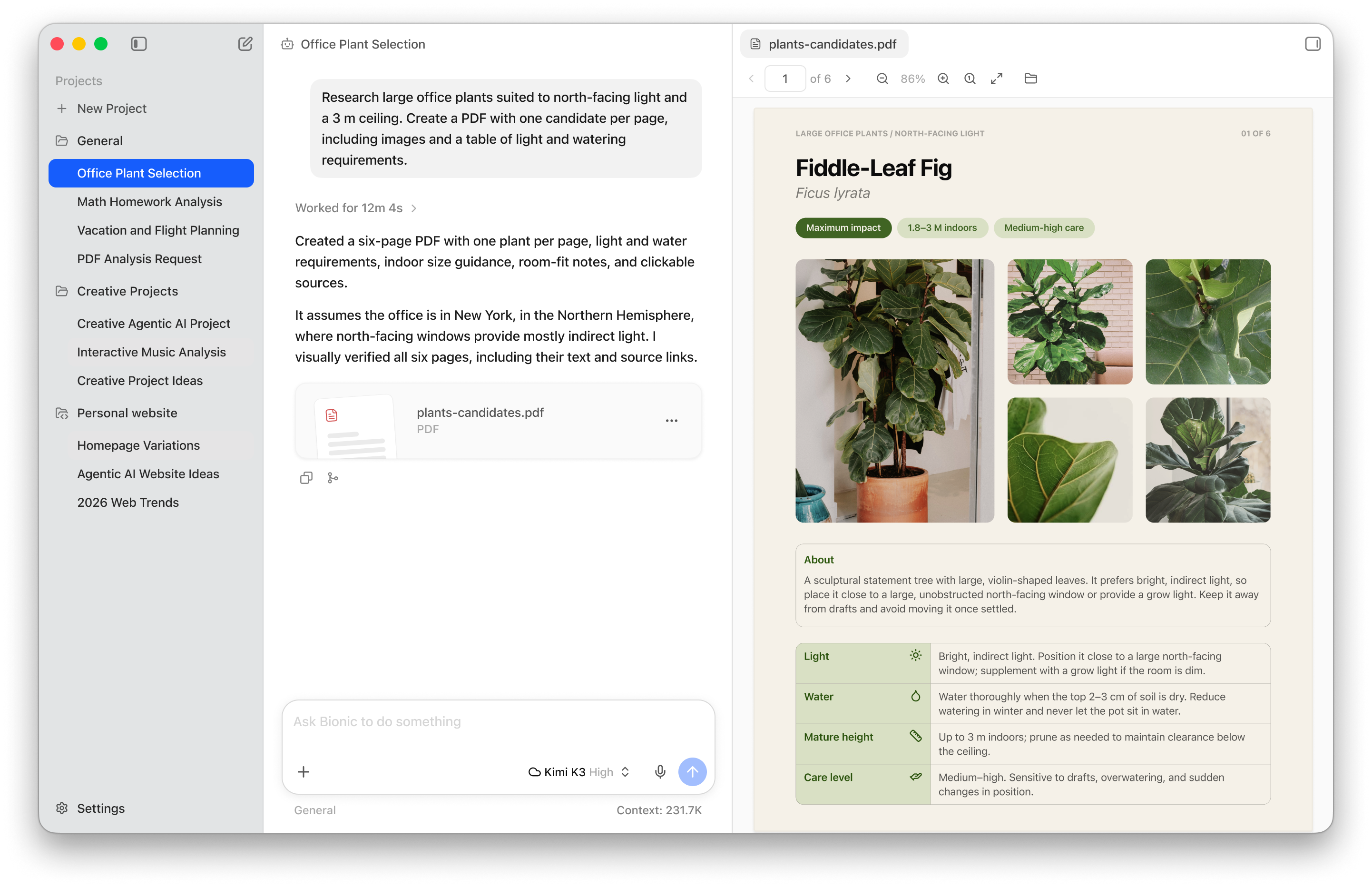
Image: LM Studio
The Privacy Advantage That Actually Matters
Bionic’s commitment to privacy goes beyond marketing copy. The app enforces Zero Data Retention (ZDR) across all cloud services. If you opt to use frontier models through LM Studio’s API, your prompts are never logged, never trained on, and never sold to third parties. They’re only used to generate your response. Compare that to many cloud AI services, where your usage trains future models.
This matters especially for professionals:
- Developers: Proprietary code stays proprietary. No risk of your algorithms being absorbed into another company’s training set.
- Researchers: Confidential datasets and unpublished findings remain confidential.
- Healthcare/Finance: Regulated industries can now run AI without exposing sensitive data to US or EU cloud infrastructure.
- Remote teams: Air-gapped environments can now use Bionic with purely local models—no VPN to cloud AI required.
LM Studio also publishes its data handling policy transparently. Cloud models are hosted only in US, Europe, and Singapore—no opaque third-party data brokers.
Agentic AI: From Chat to Task Automation
Where Bionic truly diverges from traditional local AI is in its agentic design. You can ask Bionic to:
- Write a 50-page research document with citations, then export it as a PDF.
- Generate a presentation deck with real images and speaker notes.
- Write, test, and debug software without context-switching to your terminal.
- Automate repetitive desktop tasks by seeing your screen and clicking buttons.
- Search the web, read documents, and synthesize findings into reports.
This is the same capability class as GPT-6 Astra playing Portal unattended or Claude’s computer-use feature, but running on your local hardware with your data never leaving the machine. The agent sees what you see, understands the UI context, and executes actions step by step.
For teams working with Contabo VPS instances or self-hosted infrastructure, you can also run Bionic’s backend on a server and access it remotely—keeping all computation in your own data center instead of relying on cloud AI providers.
How to Get Started: Local AI in 2026
Installing Bionic takes under two minutes:
- Download from LM Studio’s download page.
- Select a model: Choose from Mistral 7B for everyday tasks, or Kimi K3/GLM 5.2 for complex reasoning.
- Start chatting (or speaking): Type or use voice transcription. All processing happens locally by default.
- Enable cloud models if needed: For harder tasks, seamlessly switch to frontier open models—still private, still logged nowhere.
The learning curve is minimal. If you’ve used ChatGPT or Claude, Bionic feels natural. The difference is that every inference, every document created, and every bit of data stays on your machine.
The Bigger Picture: Why Local AI Won in September 2026
Three years ago, running Llama 2 locally meant accepting poor speed, limited capability, and constant tinkering with configuration files. Today, Bionic represents the maturation of the local AI stack: frontier-quality models (Kimi K3, GLM 5.2, DeepSeek V4 Pro) are competitive with closed-source alternatives, consumer hardware can run them fast enough for real work, and the tooling is approachable.
Enterprises are taking notice. Organizations handling sensitive data—financial services, healthcare, defense—are migrating off cloud AI APIs and toward local-first stacks. The cost argument alone is compelling: $1.67 per 1M tokens for DeepSeek V4 Pro through Ollama beats nearly every commercial alternative. But the privacy and latency arguments are equally strong.
For individual developers and small teams, Bionic removes the friction entirely. You get agentic AI capabilities without trusting your code, data, or voice to a cloud provider’s black box. That’s a genuine shift in the local AI landscape.
What’s Next?
LM Studio has signaled that future Bionic updates will include computer vision capabilities (see your screen and describe what’s happening), deeper integration with development environments, and expanded language model support. The roadmap suggests they’re tracking toward feature parity with GPT-6 Astra’s autonomous capabilities while maintaining local-first privacy.
If you’ve been waiting for local AI to mature—waiting for it to feel as polished and capable as cloud services—Bionic 2.0 is the inflection point. It’s worth trying today.
This article was produced with the assistance of AI tools and reviewed by the AIStackDigest editorial team.