
OpenClaw & AI Agents Expert
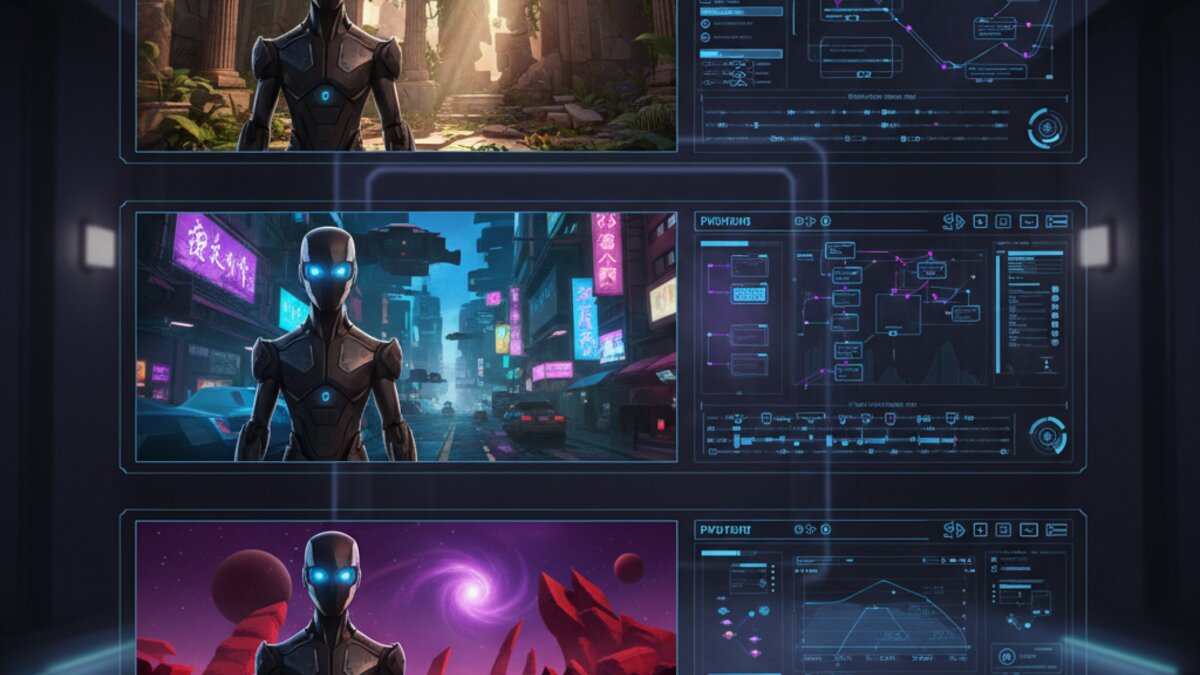
Ask anyone who has tried to build a multi-shot AI video with a recurring character what their biggest headache is, and the answer is almost never prompting or resolution — it’s consistency. Your protagonist has brown eyes in shot one and hazel eyes in shot four. Their jacket changes color between a wide shot and a close-up. The face is “close enough” but clearly not the same person. For anyone trying to tell an actual story with AI video rather than generate isolated clips, this has been the single biggest barrier to production-grade output.
In 2026, the three leading video models — Runway Gen-4, Kling 3.0, and Luma Ray3.2 — have each shipped dedicated character-consistency systems that finally make multi-scene AI storytelling workable. They take different technical approaches, and understanding those differences matters if you’re choosing a tool or building a repeatable production pipeline.
Runway Gen-4: World Consistency From a Single Reference
Image: Runway ML
Runway’s Gen-4 introduced what the company calls World Consistency — the ability to feed the model one reference image of a character, object, or location and have that identity persist across completely different scenes, camera angles, and lighting setups. Unlike earlier workarounds that required fine-tuning a custom model per character (slow, expensive, and impractical for fast-turnaround content), Gen-4 References work zero-shot: drop in a portrait, describe a new environment, and the system extracts the character’s defining features rather than just copying pixels.
In practice this means you can generate a character standing in a kitchen, then in a forest, then in a spaceship cockpit, and the face, hairstyle, and build stay recognizably the same person. It isn’t pixel-perfect — fine details like exact freckle placement can drift — but for narrative and commercial work, it clears the bar that matters: viewers don’t notice a swap. Runway also extended this to objects and locations, so a product, a mascot, or a recurring set piece can anchor an entire campaign.
Kling 3.0: Anchor-Frame Consistency With Physics

Image: Kling AI
Kling AI took a different route with its Omni One engine, which pairs a high-resolution anchor frame (often generated in Midjourney or Flux first) with an image-to-video pipeline that preserves facial structure while extending motion. The 7-in-1 Multi-Modal Editor lets you feed that anchor into new compositions at up to 1080p, and Kling’s physics simulation handles cloth, hair, and lighting interaction more convincingly than most competitors when a character moves through a scene.
Where Kling shines is cost-per-clip: it delivers photoreal motion control at meaningfully lower pricing than Runway or Luma, which makes it the practical choice for creators generating dozens of consistency-dependent shots per project rather than a handful of hero clips. The tradeoff is that Kling’s consistency degrades faster over longer generations or extreme angle changes, so tight shot lists work better than sprawling coverage.
Luma Ray3.2: Frame-Level Direction and Continuity
Luma’s Ray3.2, released in June 2026, leans into director-style control rather than pure identity preservation. It adds frame-level editing so you can lock a start frame and an end frame and let the model interpolate a consistent character between them, plus longer clip lengths that reduce the number of cuts — and therefore the number of consistency risks — per sequence. Ray3.2 was built with input from entertainment and advertising creatives specifically to make continuity editable after generation, not just baked in at generation time.
The honest caveat from early testers: Ray3.2 still needs careful QA. It’s better thought of as a structured creative pipeline tool — direct the frame, generate, review, regenerate the weak link — than a one-shot consistency guarantee. For teams already using Dream Machine’s editing tools, though, that iterative workflow fits naturally.
A Practical Workflow for Multi-Scene Consistency
Regardless of which model you pick, the same production pattern holds up:
- Generate one clean, well-lit reference image of your character first, ideally at a neutral angle with simple lighting.
- Write scene prompts that describe the environment and action, not the character’s appearance — let the reference do that work.
- Batch-test the same reference across 3-4 scene variations before committing to a full shot list, since consistency quality varies by angle and lighting.
- Keep clips short (4-6 seconds) where consistency risk is highest, and use longer takes only where the model has already proven stable.
- Review for the “off by 10%” tells — skin tone shift, jaw shape drift, wardrobe color creep — before stitching a full sequence together.
If you’re producing at any real volume, testing the same character reference across Runway, Kling, and Luma before locking a model pays off, because consistency behavior really does vary by scene type. Rather than juggling three separate API accounts and billing relationships, routing all three through OpenRouter lets you call each model’s video endpoint from one unified API and one invoice, which makes side-by-side consistency testing far less painful than managing separate vendor integrations.
For teams that need this to run without a human clicking “generate” for every shot, wiring the reference-image step, the scene-prompt loop, and the review gate together in Make.com turns a manual character-consistency workflow into an automated pipeline: drop a new scene brief into a form, and the scenario pulls the locked reference image, sends it to whichever model is handling that batch, and drops the output into a review folder automatically.
Which Model Should You Actually Use?
There’s no universal winner here, which is itself the useful takeaway. Runway Gen-4 is the strongest pick when a single hero character needs to survive across wildly different environments with minimal retouching. Kling 3.0 wins on cost efficiency for high-volume production where you can tolerate tighter shot ranges. Luma Ray3.2 suits teams that want editable continuity and are willing to iterate rather than expecting a perfect first pass. Most serious studios working in AI video right now aren’t picking one — they’re testing all three against the same reference and routing each project to whichever model handled that specific character and scene combination best.
Character consistency was the missing piece keeping AI video from feeling like actual filmmaking instead of a collection of impressive but disconnected clips. With three major models now offering real (if imperfect) solutions, 2026 is the first year multi-scene AI storytelling is genuinely production-viable rather than a demo trick.
What to Read Next
- Codex in ChatGPT for Linux Review 2026: Features, Setup, and Commercial Limits
- Inference: What It Means in AI and Why It Matters (2026 Guide)
- Suno Studio 2.0 Revolutionizes AI Music, Google Gemini 3.7 Flash Sets New Benchmarks, and Grok 4.6 Excels in Agentic AI
- Mastering Efficiency: The Essential AI Tools for Enhanced Productivity
- Browse all AI Stack Digest articles
Bookmark aistackdigest.com for daily AI tools, reviews, and workflow guides.
This article was produced with the assistance of AI tools and reviewed by the AIStackDigest editorial team.