
OpenClaw & AI Agents Expert
Every few months a new AI video model claims the top spot on the leaderboards, and every few months creators face the same annoying choice: pick one model and live with its quirks, or juggle five different subscriptions to always have access to the best tool for the shot. Higgsfield AI has built its entire pitch around eliminating that choice. Instead of betting on a single video model, it wraps Kling 3.0, Sora 2, Veo 3.1, Seedance 2.0, and Wan 2.7 into one workspace, adds a proper camera-and-lens simulator on top, and charges you a monthly credit allowance instead of five separate bills.
That “aggregator” positioning is exactly what makes Higgsfield worth a closer look this year. It is not trying to out-render Google or OpenAI. It is trying to be the interface layer that sits on top of all of them, and for a lot of working creators, that turns out to be the more useful product.
What Is Higgsfield AI?
Higgsfield launched in 2023, built by a team of former Google Brain engineers, and has spent the past year rebranding itself from a “cinematic camera controls” novelty into a full creative workspace. The pitch is simple: log into one account, and you get to generate, compare, and switch between the industry’s leading video models without re-uploading assets or re-learning a new interface every time a new model drops.
Under the hood, Higgsfield is doing what a lot of serious AI teams do internally — routing requests to whichever backend model fits the job — except it packages that routing behind a polished consumer UI with presets, camera rigs, and templates non-technical creators can actually use.
The Model Lineup: One Login, Every Frontier Model
As of this year, the model roster inside Higgsfield includes:
- Kling 3.0 — the current photorealism leader, tuned for complex motion and consistent characters across shots.
- Sora 2 — OpenAI’s world-simulation model, notable for accurate object permanence and physics.
- Veo 3.1 — Google’s 4K-native model with strong native cinematic color and lighting.
- Seedance 2.0 — the first model in the lineup with native audio-video generation, meaning synced lip-sync, sound effects, and music land in the same generation pass.
- Wan 2.7 and Kling o1 — faster, cheaper options for iteration and multi-layered scene composition.
You pick the model per generation, and Higgsfield promises access to new frontier models “on the day they’re released,” which has generally held true — Seedance 2.0 and Kling 3.0 both showed up in the platform within days of their public launches.
Cinema Studio: The Feature That Sets It Apart
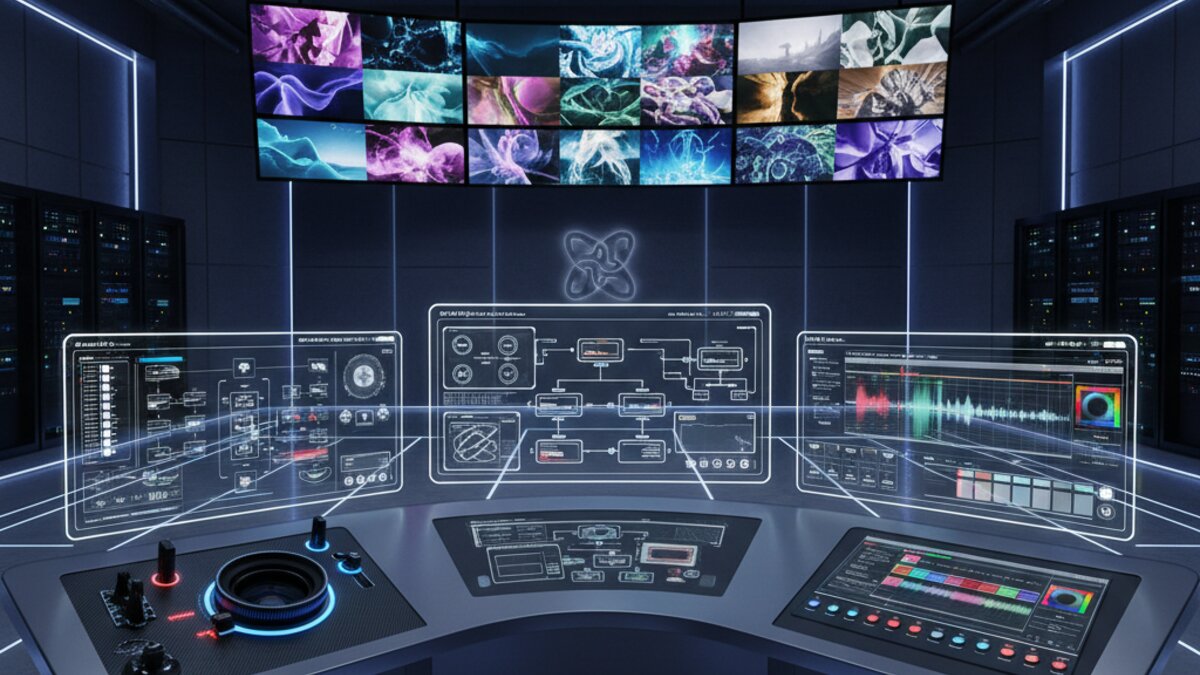
The most differentiated part of Higgsfield isn’t the model access — plenty of aggregators offer that. It’s Cinema Studio, which simulates real optical physics before you generate a single frame. You choose a virtual camera body, lens type (including anamorphic glass options), and focal length, then stack up to three simultaneous camera movements on top of that. First-and-last-frame referencing lets you lock a start and end point and let the model fill in the motion between them, and a “Photography Mode / Videography Mode” toggle lets you iterate on a still image before committing to a full clip.
For filmmakers doing pre-visualization work, this is a genuinely useful middle ground between “type a prompt and hope” and an actual virtual production pipeline.
Marketing Studio and UGC Builder: The Commercial Angle
The other half of Higgsfield’s product is aimed squarely at marketers. Paste a product URL into Marketing Studio, and its Hermes Agent scrapes the product name, description, and images, then generates a ready-to-export ad video in a style you pick — UGC-style testimonial, CGI commercial, cinematic narrative, or an AI-directed “wild card” mode. The UGC Builder specifically generates talking-head videos designed to mimic authentic creator content: handheld camera movement, ambient light variation, expressive delivery — all without filming an actual person.
It’s a fast way to get a passable product ad without a shoot, though it’s worth noting these generated presenters don’t carry a persistent identity across sessions, so building a recognizable recurring brand face takes deliberate prompt engineering rather than just re-running the same preset.
The Credit Math: Read Before You Subscribe
Here’s the part that trips people up. Higgsfield runs on a credit system with tiers roughly at $15/month (Starter, 200 credits), $34/month (Plus, 1,000 credits), and $84/month (Ultra, 3,000+ credits). Cheaper models like Kling 3.0 cost around 6 credits per clip, but premium models like Sora 2 and Veo 3.1 run 40–70 credits each. Do the math and the Starter plan buys you fewer than five premium clips before you’re out — and credits expire 90 days after purchase with no rollover. Heavy users of frontier models should expect to land on the Plus tier at minimum, and budget for iteration: getting one usable Sora 2 or Veo 3.1 clip often takes three to five attempts.
Getting Started: A Quick Walkthrough
- Sign up for the free tier to test output quality across a couple of models before paying for anything.
- Start with Kling 3.0 or Wan 2.7 for cheap iteration while you nail down your prompt and camera settings.
- Once the shot is right, switch the same prompt to a premium model like Veo 3.1 or Sora 2 for the final render.
- Use Cinema Studio’s first/last-frame lock if you need consistent transitions between clips in a sequence.
- For marketing use cases, skip the manual prompt work entirely and run Marketing Studio off a product URL instead.
Higgsfield vs. Building Your Own Pipeline
Higgsfield’s real competition isn’t another all-in-one app — it’s DIY. Because most of these same frontier video models are also available directly through unified model routers like OpenRouter, technical teams can skip the credit markup entirely and call Kling, Veo, or Sora directly at API pricing, then wire the whole thing together — script generation, video calls, caption overlay, publishing — with an automation tool like Make.com. That route takes more setup time but removes the credit tax and gives you a repeatable, unattended pipeline instead of a one-clip-at-a-time interface. For a single creator who just wants a good clip today, Higgsfield’s polish wins. For a team producing video at scale on a schedule, a custom API pipeline usually wins on cost within a month or two.
Who Should Actually Use Higgsfield?
It’s a strong fit for e-commerce brand managers who need product ad creatives fast, filmmakers who want directorial control without learning five separate model interfaces, and agencies juggling multiple client accounts who’d rather pay one subscription than five. It’s a weaker fit if you’re producing high volumes of faceless, narrated YouTube content — Higgsfield generates clips, not finished scripted videos with voiceover and captions, so that workflow still needs a separate assembly pipeline layered on top.
Watch: Higgsfield in Action
The bigger trend here matters more than any single platform: the AI video market is consolidating around aggregation. Nobody wants to manage five subscriptions to five model vendors just to pick the best tool for a shot, and Higgsfield’s bet — that the interface layer is worth paying for on top of the models themselves — looks increasingly correct as the number of frontier video models keeps climbing every quarter.
What to Read Next
- Claude vs Gemini vs ChatGPT 2026 for Coding, Reasoning, and Long-Context Tasks
- Weekly AI Digest: Pacing Progress and Structured Solutions (week of August 2nd, 2026)
- Best OpenRouter Models for Coding Agents in 2026: DeepSeek, Qwen, Claude, and Gemini Flash Performance Analysis
- OpenAI Slashes GPT-4o Prices by 80 Percent, Sparking New Era of AI Affordability
- Browse all AI Stack Digest articles
Bookmark aistackdigest.com for daily AI tools, reviews, and workflow guides.
This article was produced with the assistance of AI tools and reviewed by the AIStackDigest editorial team.