

AI Tools & Automation Specialist
Synthesia and HeyGen dominate the 2026 AI video generation landscape. Both platforms let you create professional videos with AI avatars and voiceovers in minutes—no cameras, no actors, no crew needed. But they’re built for different workflows. Synthesia excels at scale: it’s the choice for enterprises producing hundreds of localized training videos and marketing clips. HeyGen prioritizes simplicity and creativity: it’s beloved by indie creators, YouTubers, and small agencies who want gorgeous videos fast.
This comparison cuts through the noise. We’ll measure both on speed, avatar quality, voice capabilities, customization, pricing, and real-world use cases. By the end, you’ll know exactly which one fits your workflow.
The Core Difference: Scale vs. Speed
Synthesia and HeyGen operate on different philosophies:
- Synthesia = Enterprise video factory. Designed for bulk production, API integration, and compliance-heavy workflows.
- HeyGen = Creator-first platform. Built for speed, stunning visuals, and ease of use—no technical background required.
If your workflow involves producing 50+ videos monthly with complex localization needs, Synthesia’s batch processing and API shine. If you need 1–5 polished videos per week without friction, HeyGen’s UI and avatar library win.
Avatar Quality & Customization
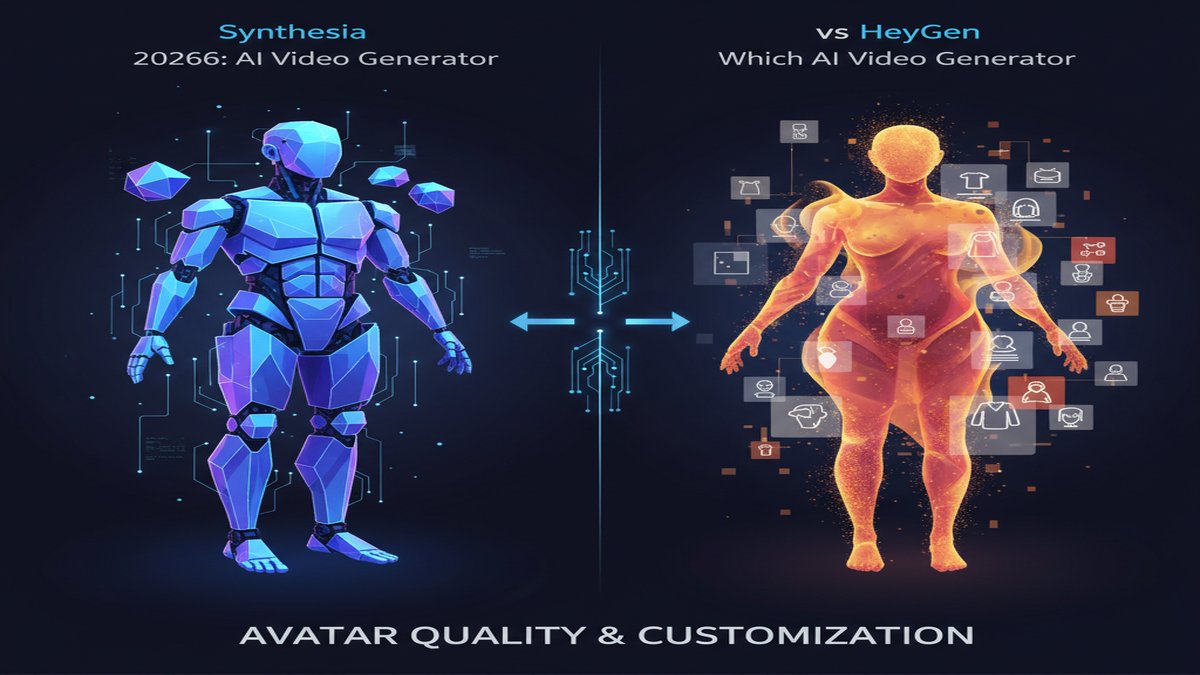
Synthesia Avatars
Synthesia offers 150+ professional avatars in 2026, with options for:
- Custom avatars from your own video footage (premium tier)
- Corporate avatar styling (suits, formal wear, branded clothing)
- Diverse ethnicities, ages, and gender presentations
- Virtual staging (office, classroom, conference room backgrounds)
The avatars are realistic but noticeably AI-generated—they move smoothly with good lip-sync, but you won’t mistake them for real people. Perfect for training, explainer videos, and corporate communications where “AI-made” is transparent and acceptable.
HeyGen Avatars
HeyGen launched photorealistic avatars in mid-2026 that look dramatically more lifelike than competitors. Their top tier includes:
- Photorealistic avatars with near-human facial expressions
- Custom avatar creation from user photos or video clips (experimental)
- Clothing layers and scene swapping mid-video
- Interactive avatar API for live video integration
HeyGen’s avatars are the visual standout. If your audience expects high production value (e.g., client-facing sales videos, YouTube content), HeyGen edges ahead.
Winner: HeyGen for visual fidelity; Synthesia for scale and corporate diversity.
Voice & Localization Capabilities

Synthesia Voice Engine
Synthesia integrated advanced TTS with:
- 140+ languages and accents, including regional dialects
- Voice cloning (upload a 5-minute audio sample to create a unique voice)
- Emotional tone control (confident, friendly, professional, urgent)
- Synchronized lip-sync in all 140+ languages
- Integration with premium TTS providers (Google, Microsoft, ElevenLabs)
For enterprises producing videos in 30+ languages, Synthesia’s consistency across all locales is invaluable. The voice cloning is also excellent for brand continuity—record your CEO once, then use that voice in 200 localized training videos.
HeyGen Voice Engine
HeyGen offers:
- 100+ languages and accents (growing)
- Voice cloning (similar quality to Synthesia)
- Real human voice options (paid add-on: $50–100/video for professional voice actors)
- Lip-sync synchronization (solid, though occasionally laggy in edge cases)
HeyGen’s real-voice option is a differentiator if you want to add A-list voice talent to your videos without a recording session. Useful for YouTube creators and premium marketing campaigns.
Winner: Synthesia for enterprise localization at scale; HeyGen for creative voice flexibility.
Editing & Customization Workflow
Synthesia Editor
Synthesia’s workflow is designed for bulk production:
- Bulk text input: Paste scripts for multiple videos; the platform generates them in parallel
- CSV/API integration: Feed customer names, product details, or personalization variables directly
- Template library: Pre-built templates for training, marketing, HR, and compliance videos
- Scene management: Limited visual customization (avatar, background, text overlays)
- Timeline editor: Basic, not designed for pixel-perfect tweaks
Synthesia prioritizes speed of production, not artistic control. You’ll get professional videos fast, but don’t expect Premiere Pro-level customization.
HeyGen Editor
HeyGen’s interface is built for creators:
- Intuitive timeline: Drag-and-drop editing, familiar to anyone who’s used TikTok or CapCut
- Scene transitions: Easy swaps between avatars, backgrounds, and video clips
- Text overlays & graphics: Add captions, branding, and animated text overlays
- Music & sound effects: Built-in library of royalty-free audio
- Batch generation: Supported, but less polished than Synthesia’s
HeyGen feels like a modern video editor. The learning curve is shallow, and creators without technical skills can produce polished videos in under 30 minutes.
Winner: HeyGen for ease of use and creative control; Synthesia for bulk automation.
Pricing Breakdown (2026 Rates)
Synthesia Pricing
- Starter: $30/month (10 videos, basic avatars, standard voices)
- Creator: $90/month (50 videos, custom avatars, voice cloning)
- Business: $250/month (unlimited videos, API access, advanced templates)
- Enterprise: Custom pricing (SSO, dedicated support, custom integrations)
Best for: Teams producing 50+ videos monthly. The ROI kicks in around video 15–20.
HeyGen Pricing
- Free: 1 video/month (limited avatars, basic voices)
- Creator: $49/month (25 videos, photorealistic avatars, voice cloning)
- Pro: $149/month (100 videos, all features, API access)
- Enterprise: Custom pricing
HeyGen’s free tier and lower entry price make it more accessible. Monthly plans are cheaper; annual plans offer ~25% savings on both platforms.
Winner: HeyGen for small teams and freelancers; Synthesia for high-volume enterprises.
API & Integration Capabilities
Synthesia API
Synthesia’s API is mature and production-ready:
- REST API for full video generation and management
- Webhook support for async processing
- Batch job scheduling with priority queues
- Direct integration with Zapier, Make.com, and n8n
- Custom branding and white-label video delivery
If you’re building a SaaS product that generates videos for your users, Synthesia’s API is the stronger choice.
HeyGen API
HeyGen’s API exists but is newer (2025–2026):
- REST API for core video generation
- Interactive avatar API (beta) for live conversations
- Limited integration ecosystem (improving)
HeyGen is catching up but isn’t yet as robust for enterprise automation.
Winner: Synthesia by a significant margin for API-driven workflows.
Real-World Use Cases
When to Choose Synthesia
- Corporate training at scale: 100+ employees across 20 countries → localized onboarding videos in one afternoon
- Compliance & legal: Consistent, traceable, and reproducible video evidence
- Product explainers for SaaS: Generate dozens of feature walkthrough videos from API calls
- Multichannel marketing: One script, 50 regional variations, auto-delivered to your CMS
When to Choose HeyGen
- YouTube & content creation: Beautiful, fast, and creator-friendly
- Personal branding: Launch your AI-avatar channel with photorealistic presence
- Client presentations & pitches: High-polish videos that impress
- Indie agencies: Small teams serving 5–10 clients, producing 2–5 videos weekly
- Interactive experiences: Chatbots with photorealistic avatar faces
Performance & Rendering Speed
Synthesia: A 5-minute video typically renders in 8–15 minutes (longer for custom avatars). Batch jobs process in parallel, so 50 videos might take 20–30 minutes total.
HeyGen: A 5-minute video renders in 5–10 minutes. Slightly faster, though less predictable for large batches.
Winner: Slight edge to HeyGen for speed, but both are production-ready.
Support & Community
Synthesia: Email support (24 hours) for lower tiers, priority chat for Business+. Comprehensive knowledge base. Active but smaller community.
HeyGen: Email and chat support. Growing Discord community with creator-focused discussions. Faster response times on average.
Winner: HeyGen for community vibrancy; Synthesia for enterprise SLA.
The Verdict
| Category | Synthesia | HeyGen |
|---|---|---|
| Avatar Quality | Professional, realistic | ✅ Photorealistic (2026) |
| Localization Scale | ✅ 140+ languages, dominant | 100+ languages |
| Ease of Use | Steep learning curve | ✅ Intuitive, creator-friendly |
| API Maturity | ✅ Production-grade | Beta/emerging |
| Pricing Entry | $30/month | ✅ Free tier |
| Best For | Enterprise scale | Creators & small agencies |
Final Recommendation
Choose Synthesia if: You’re producing 50+ videos monthly, need 140+ language support, or plan to embed video generation into your product via API. The ROI is strong for enterprises and high-volume use cases.
Choose HeyGen if: You’re an indie creator, small agency, or content team that values speed and visual quality over bulk automation. The interface is faster to master, and photorealistic avatars deliver immediate wow-factor.
The hybrid play: Use OpenRouter as your AI backbone to generate scripts, then feed them into HeyGen for visual polish or Synthesia for scale. Both platforms are RESTful, so you can automate the entire pipeline with n8n or Make.com.
In 2026, the “best” AI video generator isn’t one platform—it’s the one that fits your workflow. Synthesia and HeyGen have both matured dramatically. Pick based on volume, audience expectations, and technical depth. You won’t regret either choice.
This article was produced with the assistance of AI tools and reviewed by the AIStackDigest editorial team.