
As we move deeper into 2026, the democratization of artificial intelligence continues to accelerate. While cloud-based AI services offer convenience, self-hosting your AI agent provides unparalleled control, privacy, and cost-efficiency. What if you could run your personal AI assistant entirely for free? With Cloudflare’s generous free tier, this is not only possible but surprisingly straightforward.
Why Self-Host Your AI Agent in 2026?
The AI landscape in 2026 has evolved significantly, with increasing concerns about data privacy, API rate limits, and subscription fatigue. Self-hosting your AI agent puts you back in the driver’s seat. You control the data, the models, and the infrastructure. Cloudflare Workers, with their serverless architecture, provide the perfect platform for hosting lightweight AI agents that can scale effortlessly.
Unlike traditional hosting solutions that require managing servers, Cloudflare Workers operate on a global edge network, ensuring low latency regardless of where your users are located. The free tier offers 100,000 requests per day—more than enough for personal use—along with compute resources that can handle sophisticated AI workloads.
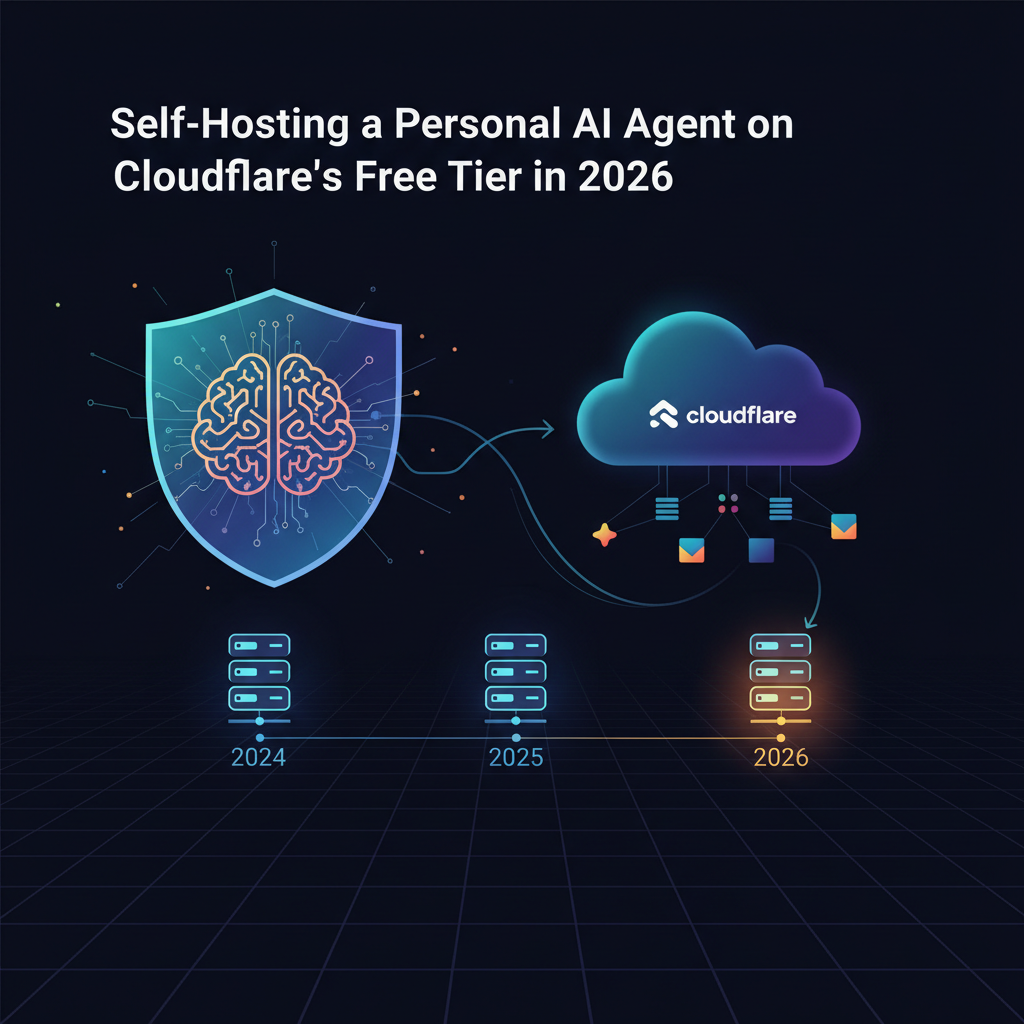
Image: AI-generated
Prerequisites: What You’ll Need
Before diving into the technical implementation, let’s cover the essential tools and accounts you’ll need:
- A Cloudflare account (free tier)
- Node.js and npm installed on your local machine
- Basic familiarity with JavaScript/TypeScript
- An API key from an AI provider like OpenAI, Anthropic, or OpenRouter
- The Wrangler CLI from Cloudflare
For those considering more robust deployment options, our Docker Agent Review 2026 explores container-based approaches that complement this serverless method.
Step-by-Step Setup Guide
1. Initialize Your Cloudflare Worker Project
Begin by installing the Wrangler CLI and creating your project:
npm install -g wrangler
wrangler init my-ai-agent
cd my-ai-agent
This creates a basic Worker structure with a wrangler.toml configuration file and src/index.js as your entry point.
2. Configure Your AI Model Integration
The heart of your AI agent is the language model it uses. While you can integrate directly with providers like OpenAI, using OpenRouter offers distinct advantages in 2026. OpenRouter provides access to multiple AI models through a unified API, allowing you to switch between providers seamlessly and often at better rates.
Add the necessary dependencies:
npm install ai sse-zThese libraries will help you handle AI API requests and server-sent events efficiently.
3. Implement the Core AI Logic
Replace the content of src/index.js with the following basic AI agent structure:
export default {
 async fetch(request, env) {
 if (request.method === 'POST') {
 const { message } = await request.json();

 // AI API integration logic here
 const response = await fetch('https://openrouter.ai/api/v1/chat/completions', {
 method: 'POST',
 headers: {
 'Authorization': `Bearer ${env.OPENROUTER_API_KEY}`,
 'Content-Type': 'application/json'
 },
 body: JSON.stringify({
 model: 'anthropic/claude-3-haiku',
 messages: [{ role: 'user', content: message }]
 })
 });

 const data = await response.json();
 return new Response(JSON.stringify({ reply: data.choices.message.content }));
 }

 return new Response('AI Agent Running');
 }
};
4. Configure Environment Variables and Deploy
Set your API key as a secret in your Worker:
wrangler secret put OPENROUTER_API_KEYThen deploy your agent:
wrangler deployYour AI agent is now live and accessible at your Worker’s unique subdomain!
Advanced Features and Customization
Adding Memory and Context
A basic agent responds to individual messages, but a truly useful assistant maintains context across conversations. Implement this by storing conversation history in Cloudflare KV, the key-value store available on the free tier:
// Add to your wrangler.toml
[[kv_namespaces]]
binding = "AI_AGENT_KV"
id = "your-kv-namespace-id"
Agentic Workflows and Multi-Step Reasoning
In 2026, the most powerful AI applications leverage agentic AI workflows where the AI can break down complex tasks into steps. Enhance your agent with tools like web search, code execution, or data analysis by integrating additional APIs.
Security Considerations
When deploying any AI system, security is paramount. Implement rate limiting, input validation, and consider adding authentication if your agent will handle sensitive information. Cloudflare’s free tier includes basic DDoS protection, but you should add additional security measures based on your use case.
Cost Analysis: Free Tier Limitations and Scaling
Cloudflare’s free tier is remarkably generous, but it’s important to understand its limits. You get 100,000 requests per day and 10ms of CPU time per request. For most personal AI agents, this is sufficient. However, if your agent requires significant computation or you expect high traffic, monitor your usage closely.
The primary cost will likely be your AI API usage. Services like OpenRouter offer competitive pricing, but costs can accumulate with heavy use. Consider implementing caching strategies to reduce duplicate requests to AI APIs.
Real-World Use Cases for Your Self-Hosted AI Agent
Your newly deployed AI agent can serve numerous purposes:
- Personal Research Assistant: Integrate with tools like Perplexity Pro for enhanced research capabilities
- Content Generation: Create a custom writing assistant tailored to your style
- Code Review Helper: Integrate with your development workflow for instant code analysis
- Automated Task Management: Connect with productivity tools to automate routine tasks
Comparing Cloudflare Workers to Alternative Hosting Solutions
While Cloudflare Workers excel for serverless AI agents, they’re not the only option. For more complex applications requiring persistent storage or longer compute times, a VPS might be preferable. Our guide on how to host a Telegram bot on a VPS covers alternative approaches that might better suit certain use cases.
Similarly, if you’re working with resource-intensive local AI models, our hardware comparison for local AI provides valuable insights into the infrastructure requirements.
Optimizing Performance and Reliability
To ensure your AI agent performs optimally:
- Implement response caching to reduce latency and API costs
- Use Cloudflare’s global network to your advantage by deploying in multiple regions
- Monitor performance using Cloudflare’s analytics dashboard
- Set up alerts for when you approach free tier limits
- Regularly update your dependencies and AI models
Future-Proofing Your AI Agent
The AI landscape changes rapidly. What works today might be obsolete in six months. Build your agent with flexibility in mind:
- Abstract your AI provider integration to easily switch between models
- Design modular functionality that can be updated independently
- Stay informed about new developments in the AI security space
- Regularly review and update your implementation
Ready to Build Advanced Workflows?
Once you’ve mastered self-hosting your AI agent, consider enhancing it with automation platforms like n8n or Make.com to create sophisticated multi-step automations that connect your AI with other services and APIs.
October 11, 2026 Update: With Cloudflare’s recent infrastructure upgrades, their free tier now offers even more value for AI agent hosting. The Workers platform now supports up to 100,000 requests per day (up from 50,000), and the newly expanded Durable Objects allow for persistent AI agent sessions without additional costs. This makes 2026 the ideal time to deploy your personal AI assistant on Cloudflare’s robust global network.
Recent community feedback shows developers are successfully running lightweight agents like AutoGPT variants and custom task-specific bots for under $0.50/month by leveraging Cloudflare’s edge computing capabilities. The combination of improved AI model efficiency and Cloudflare’s enhanced free tier means you can now host sophisticated agents that handle everything from email triage to automated research tasks without breaking the bank.
What to Read Next
If you found this guide helpful, explore more AI content on AI Stack Digest. You might enjoy our in-depth review of Claude Haiku 5.5 for cost-effective AI model selection, or learn about integrating AI into your team workflows with our Monday.com AI setup guide.
Subscribe to our newsletter or bookmark our site to stay updated on the latest developments in self-hosted AI and cloud infrastructure for 2026 and beyond!
This article was produced with the assistance of AI tools and reviewed by the AIStackDigest editorial team.