
AI Tools & Automation Specialist
If you’ve been following the AI coding assistant space, you already know that Cursor and GitHub Copilot dominate most conversations. But there’s a third option quietly becoming the go-to tool for developers who live in the terminal and want deep, context-aware coding assistance: Claude Code. Released by Anthropic in 2025 and now widely adopted by professional engineers, Claude Code offers a fundamentally different workflow — one that’s worth understanding if you want to code faster and smarter in 2026.
This guide walks through how to get the most out of Claude Code: from setup and project onboarding to advanced prompting techniques, multi-file edits, and integrating it into your real development workflow.
What Makes Claude Code Different?

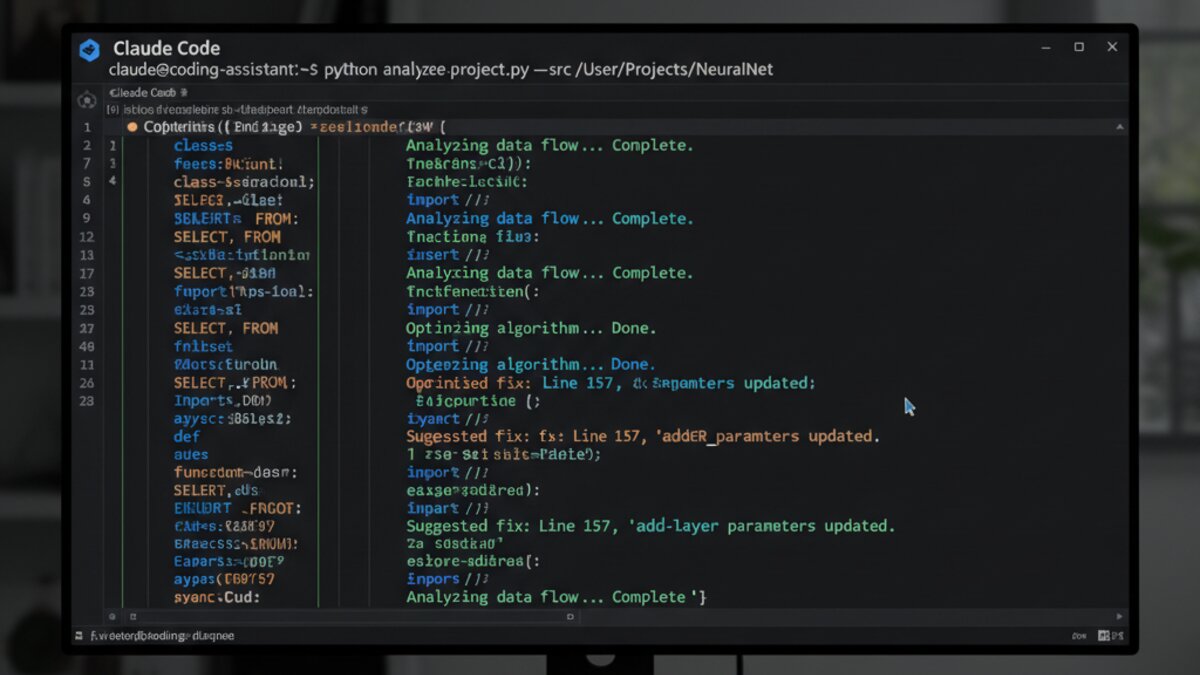
Image: Anthropic / Claude
Most AI coding assistants operate inside an IDE — they read your current file, suggest completions, and maybe scan a few related files. Claude Code takes a different approach: it runs as an agentic command-line tool that reads your entire codebase, understands project structure, and takes real actions like editing files, running tests, and executing shell commands.
The key distinction is autonomy. Where Copilot autocompletes, Claude Code acts. You describe what you want in plain English, and Claude Code figures out which files to touch, what changes to make, and how to verify the result.
This makes it especially powerful for:
- Large refactors across many files
- Debugging with real execution feedback
- Writing and running tests automatically
- Onboarding to unfamiliar codebases quickly
- Automating repetitive engineering tasks
Getting Started: Installation and Setup
Claude Code requires Node.js 18+ and an Anthropic API key. Installation is a single command:
npm install -g @anthropic-ai/claude-codeOnce installed, navigate to your project directory and run:
claudeClaude Code will scan your project structure on first launch — reading your package.json, README, config files, and directory layout to build context. This initial scan is what gives it its power: it knows your project before you ask your first question.
Set your API key either via environment variable or the interactive setup prompt:
export ANTHROPIC_API_KEY=your_key_hereYou can also configure a custom API endpoint if you’re routing through OpenRouter to access multiple models or manage costs across teams.
Core Workflow: How to Think About Claude Code Sessions
The biggest mistake new Claude Code users make is treating it like a chatbot. It’s not — it’s a collaborating engineer. The best sessions follow a clear structure:
1. Frame the Task Clearly
Start each session with a goal statement, not a question. Compare these approaches:
Weak prompt:
Can you help me with authentication?Strong prompt:
Add JWT refresh token support to the existing auth system in /src/auth. The access token should expire in 15 minutes, refresh token in 7 days. Update the login endpoint, add a /refresh endpoint, and write tests for both. Use the existing User model in /src/models/user.ts.The more context you provide upfront — file paths, existing patterns, constraints — the better the output.
2. Use CLAUDE.md for Project Context
Create a CLAUDE.md file at your project root. Claude Code reads this automatically at the start of every session. Use it to document your conventions, stack, and preferences:
# Project: MyApp API
Stack: Node.js 20, TypeScript, PostgreSQL, Prisma ORM
Test runner: Vitest
Style: ESLint + Prettier, 2-space indent
Naming: camelCase for variables, PascalCase for components
Do not use any deprecated Prisma v4 APIs — we are on Prisma v5.
Always write tests for new endpoints in /tests/integration/.
This eliminates the need to re-explain your project every session and dramatically improves code consistency.
3. Let It Run, Then Review
Claude Code will often make multiple file edits, run commands, and iterate automatically. Let it work. Once it reports completion, review the diff with:
git diffDon’t just accept blindly — Claude Code is very capable, but it can occasionally over-engineer or miss domain-specific logic. Your job is to review the output with the same diligence you’d apply to a PR from a junior engineer.
Advanced Techniques That Separate Power Users
Parallel Sub-Agents for Large Tasks
For very large refactors, Claude Code can spin up multiple parallel agents working on different parts of the codebase simultaneously. Trigger this explicitly when you have separable workstreams:
Refactor the codebase to use the new UserService class.
Work in parallel on:
1. /src/routes — update all route handlers
2. /src/middleware — update auth middleware
3. /tests — update affected test files
Keep changes isolated and avoid merge conflicts between the three areas.
Using /compact to Manage Long Sessions
In extended sessions, the context window fills up. Use /compact to summarize conversation history and free up tokens without losing critical state. This is essential for all-day development sessions.
Custom Slash Commands
Create a .claude/commands/ directory in your project to define reusable prompt templates as slash commands:
# .claude/commands/add-endpoint.md
Add a new REST endpoint to this API.
- Create the route handler in /src/routes/
- Add input validation with Zod
- Write integration tests in /tests/integration/
- Update the OpenAPI spec in /docs/openapi.yaml
Endpoint spec: $ARGUMENTS
Now you can run /project:add-endpoint POST /users/{id}/settings - updates user notification preferences and get a complete, consistent implementation every time.
Claude Code vs Cursor: When to Use Each

These aren’t competing tools — they’re complementary. Here’s the practical breakdown:
- Use Claude Code when you need agentic, multi-file changes; when you prefer a terminal workflow; when you’re doing complex refactors or want to run tests automatically as part of the edit cycle.
- Use Cursor when you want AI assistance inside a full IDE with visual context; for quick in-file completions; when you’re building UI and want to see changes visually alongside code suggestions.
Many professional developers now run both: Cursor open for the active file they’re editing, Claude Code running in a terminal for the bigger architectural tasks happening in parallel.
Security and Cost Considerations
Because Claude Code can execute shell commands and write files, keep a few things in mind:
- Always run Claude Code in a git-tracked directory. If something goes wrong,
git reset --hardis your safety net. - Review permissions carefully — Claude Code will ask before destructive operations, but understand what you’re approving.
- Monitor your API usage. Agentic sessions with large codebases can consume significant tokens. Set spend limits in your Anthropic dashboard.
- For team usage, consider routing through a shared API management layer to track per-developer spend.
The Bottom Line
Claude Code represents a genuine shift in how AI can assist with software development — less autocomplete, more autonomous engineering partner. The learning curve is real: it rewards developers who write clear specs, maintain good project documentation, and review AI output critically. But once that workflow clicks, the productivity gains compound quickly.
Start with a CLAUDE.md in your next project. Write one specific, well-framed task. Review the diff. You’ll see why so many engineers are making Claude Code a permanent part of their stack.
Security Update (September 12, 2026): Following the recent RubyGems supply chain attack that compromised over 250 AI development packages, securing your AI coding agents has become more critical than ever. New research shows that 68% of organizations using AI coding tools experienced security incidents in the past year, with supply chain attacks increasing by 240% since 2025.
When implementing Claude Code or any agentic AI system, ensure you: (1) Use package verification tools like GemSafeAI, (2) Implement runtime execution limits, (3) Enable mandatory code review workflows, and (4) Use isolated sandbox environments for all AI-generated code execution. The latest version of Claude Code now includes built-in security scanning that flags potentially malicious dependencies before installation.
This article was produced with the assistance of AI tools and reviewed by the AIStackDigest editorial team.