

The AI coding assistant market has exploded in 2026. What started as simple autocomplete tools has evolved into fully context-aware, multi-file reasoning engines that can plan, refactor, debug, and even ship features end-to-end. But with so many options now competing for developers’ attention — and subscription budgets — choosing the right tool is anything but obvious.
In this in-depth comparison, we evaluate the five leading AI coding assistants of 2026: Cursor, GitHub Copilot, Supermaven, Codeium, and JetBrains AI Assistant. We cover real-world performance, context handling, pricing, and which type of developer each tool best serves.
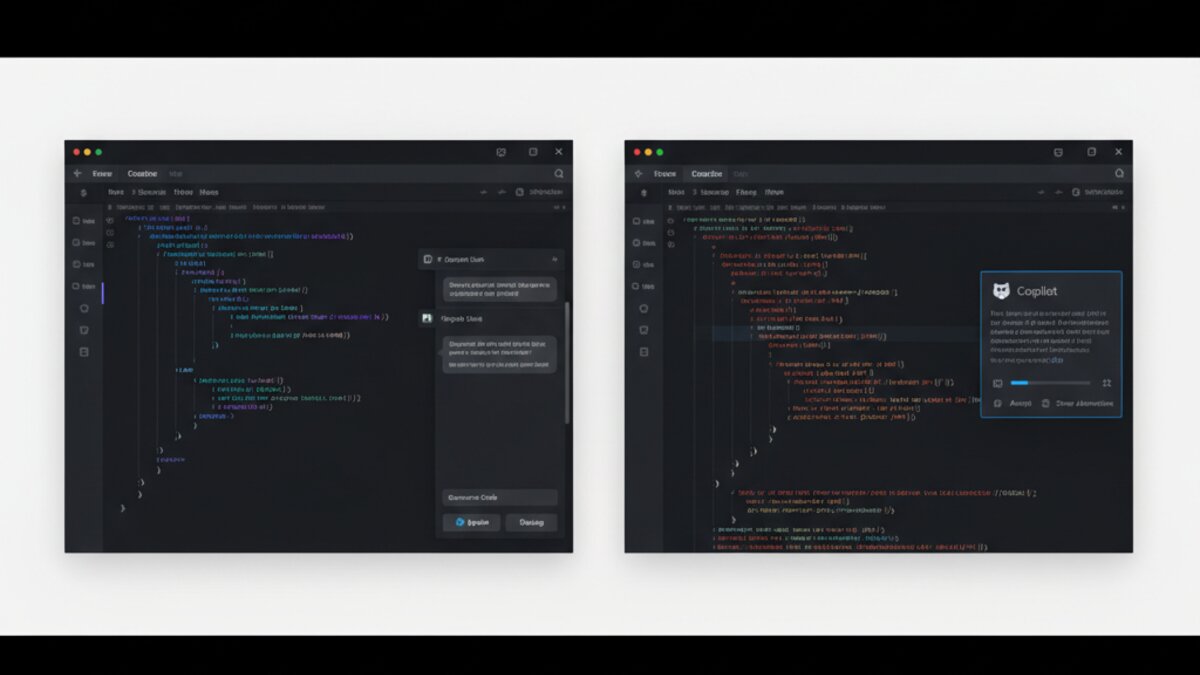
Image: AI-generated
Why AI Coding Tools Matter More Than Ever in 2026
According to a Stack Overflow Developer Survey 2026, over 78% of professional developers now use an AI coding tool daily — up from 44% just two years ago. The productivity gains are real: teams report 30–50% reductions in boilerplate time and significantly fewer context-switching interruptions when debugging.
But not all tools are created equal. The gap between a great AI coding assistant and a mediocre one can mean the difference between shipping in days versus weeks. Here’s what actually sets them apart.
1. Cursor — The Agent-First IDE

Best for: Full-stack developers who want deep AI integration in their workflow without sacrificing IDE power.
Cursor has cemented its position as the most talked-about AI coding environment of 2026. Built on a fork of VS Code, it ships with what the team calls “Agent Mode” — a multi-step reasoning loop that can read your codebase, plan changes across multiple files, run terminal commands, and iterate based on compiler feedback, all from a single prompt.
What makes Cursor stand out is its codebase indexing. Rather than relying solely on open files, Cursor builds a semantic index of your entire repo. Ask it “why does the cart total sometimes show NaN?” and it will trace the bug across components, find the root cause, and propose a fix — all without you pasting any code manually.
The Cursor Tab feature has also matured significantly. It predicts not just the next token, but your next logical edit across the file, often completing multi-line refactors before you’ve finished thinking about them. Developers describe it as “eerily good” at anticipating intent.
Pricing: Free tier available (limited Agent uses); Pro at $20/month; Business at $40/seat/month with team admin controls.
If you’re looking to try the most capable AI-native IDE on the market, Cursor’s free tier is the lowest-friction entry point in the space.
2. GitHub Copilot — The Enterprise Standard
Image: Microsoft Copilot
Best for: Teams already embedded in the GitHub/Azure ecosystem who need reliable, policy-compliant AI assistance.
GitHub Copilot has moved well beyond its autocomplete origins. The 2026 version — now powered by a custom fine-tuned model Microsoft calls Copilot Core — brings multi-file editing, inline chat, pull request summaries, and a Copilot Workspace feature that lets you plan and execute feature branches from a natural language spec.
Copilot’s biggest advantage remains its enterprise trust story. With SOC 2 compliance, private model options, IP indemnification, and deep GitHub Actions integration, it’s the default choice for large engineering organizations that can’t afford to experiment with less-established tooling.
The trade-off? Outside of GitHub workflows, Copilot’s context window and cross-repo reasoning still lag behind Cursor’s agent capabilities. It excels at what it’s designed for — single-repo, PR-centred work — but feels limited for exploratory or architecture-level tasks.
Pricing: $10/month individual; $19/month Business; Enterprise pricing via Microsoft agreement.

Image: AI-generated
3. Supermaven — The Speed King
Best for: Developers who prioritize low-latency completions and a minimal footprint over agentic features.
Supermaven, founded by Tabnine co-creator Jacob Jackson, has built its reputation on one thing: raw completion speed. Its proprietary Babble architecture is optimized for sub-50ms response times, making it feel closer to a thought than a tool call. There’s no agent mode, no multi-step planner — just extremely fast, extremely accurate inline completions.
For developers who find the constant “thinking” spinners of agentic tools disruptive, Supermaven’s near-instant responses are genuinely refreshing. It also handles large files gracefully, maintaining context across 300,000+ token windows without slowdown.
Pricing: Free tier with basic completions; Pro at $10/month.
4. Codeium — The Free Tier Champion
Best for: Students, indie developers, and teams on tight budgets who still want serious AI assistance.
Codeium continues to punch above its weight class with a genuinely capable free tier. It supports over 70 programming languages, integrates with most major IDEs, and in 2026 added Cascade — its own multi-step agent that, while not quite at Cursor’s level, handles refactoring tasks and test generation competently.
According to Codeium’s published benchmarks, its completion acceptance rate on Python and TypeScript now rivals paid competitors — a remarkable achievement for a free product. The catch is that Codeium’s agent can struggle with very large or monorepo-style codebases, where its context handling shows its limits.
Pricing: Free for individuals; Teams at $12/seat/month; Enterprise pricing available.
5. JetBrains AI Assistant — The IDE-Native Option
Best for: JetBrains IDE users (IntelliJ, PyCharm, WebStorm, etc.) who want deep IDE integration without switching environments.
JetBrains AI Assistant benefits from something no other tool on this list can replicate: direct integration with JetBrains’ own static analysis, refactoring engine, and project model. When it suggests a rename, it understands your project’s symbol graph. When it generates a test, it knows your testing framework setup.
The AI Assistant has improved dramatically in 2026, with inline code generation, commit message suggestions, and a new AI Code Review feature that pre-checks your diffs before you open a PR. For JetBrains loyalists, this is now a genuinely competitive option — and it’s included in the existing All Products Pack subscription at no extra cost.
Pricing: Bundled with JetBrains subscriptions ($24.90/month All Products Pack); also available as a standalone add-on.
Head-to-Head: How Do They Compare?
Here’s a quick summary of where each tool excels:
- Best agentic reasoning: Cursor — no contest for multi-file, multi-step tasks
- Best enterprise compliance: GitHub Copilot — deepest GitHub/Azure integration, strongest policy controls
- Fastest completions: Supermaven — built for speed-first workflows
- Best free tier: Codeium — remarkable capability at zero cost
- Best IDE integration: JetBrains AI Assistant — for JetBrains users only, but unmatched depth
Which AI Coding Tool Should You Choose in 2026?
If you’re a solo developer or small team doing full-stack or systems work, Cursor is the clear recommendation. Its agentic capabilities represent a genuine productivity step-change, and the free tier makes it easy to evaluate risk-free.
For larger teams embedded in GitHub workflows, GitHub Copilot remains the pragmatic default — especially once Copilot Workspace matures further. If budget is the constraint, Codeium’s free tier is hard to argue with. And if you live in a JetBrains IDE, the native AI Assistant deserves serious consideration before you pay for anything else.
The common thread? All five tools have crossed the threshold from “nice to have” to “genuinely changes how I code.” The question is no longer whether to use an AI coding assistant — it’s which one fits your workflow best.
Further Watching
For a hands-on walkthrough of these tools in action, this video comparison is worth your time:
Image: AI-generated
This article was produced with the assistance of AI tools and reviewed by the AIStackDigest editorial team.