How to Build a Homelab AI Dev Platform in 2026: Your Gateway to Private, Powerful AI Development
In 2026, the AI development landscape has undergone a significant power shift. While cloud giants continue to offer immense compute, the trend for serious developers, tinkerers, and privacy-conscious builders has swung decisively towards local control. Building a homelab AI dev platform is no longer just a hobbyist’s dream; it’s a strategic move for unfettered experimentation, cost-effective iteration, and complete data sovereignty. This comprehensive guide will walk you through building a powerful, future-proof AI development platform in your own home, leveraging the latest hardware and software advancements of 2026.
Why a Homelab AI Platform in 2026? Beyond the Cloud Bill
The rationale for a local AI lab has never been stronger. First, the economics have flipped. Running dozens of experiments, fine-tuning models, or developing complex multi-agent workflows on cloud credits can drain budgets faster than ever, especially with the surge in multi-modal model training. Second, data privacy regulations and corporate policies have tightened. A local platform ensures your proprietary code, datasets, and model weights never leave your network. Third, latency is king for interactive development. A local setup provides instantaneous feedback when you’re pair-programming with a coding agent or testing an AI assistant’s response time, a critical advantage over even the fastest cloud API calls. Finally, it’s about mastery and resilience. Understanding the full stack—from the silicon to the model output—makes you a better AI engineer. For a deeper look at how AI is reshaping other foundational workflows, explore our analysis on how AI has turned security timelines upside down.
Hardware Foundations: Choosing Your 2026 Powerhouse
The core of your homelab is hardware. In 2026, you have more compelling options than ever before, balancing raw power, efficiency, and cost.
Option 1: The Consumer GPU Workstation
Ideal for most individual developers. A system built around NVIDIA’s RTX 50-series or AMD’s RDNA 4 flagship cards offers an excellent blend of performance for inference and moderate-scale fine-tuning. Look for 24GB+ of VRAM as a minimum in 2026 to comfortably run quantized versions of 70B+ parameter models. Pair this with a robust CPU (like AMD’s Ryzen 9 or Intel’s Core i9), 64GB of DDR5 RAM, and fast NVMe storage (2TB+). This setup is perfect for running local coding agents, experimenting with image generation models, and developing AI-powered applications.
Option 2: The Multi-GPU Server
For teams or developers aiming to train smaller models from scratch or fine-tuning large models extensively. This involves a used server chassis or a spacious desktop case that can house 2-4 GPUs. The key here is a high-wattage power supply (1200W+), a motherboard with sufficient PCIe lanes (often a Threadripper or Xeon platform), and excellent cooling. This turns your lab into a true powerhouse capable of serious parallel processing.
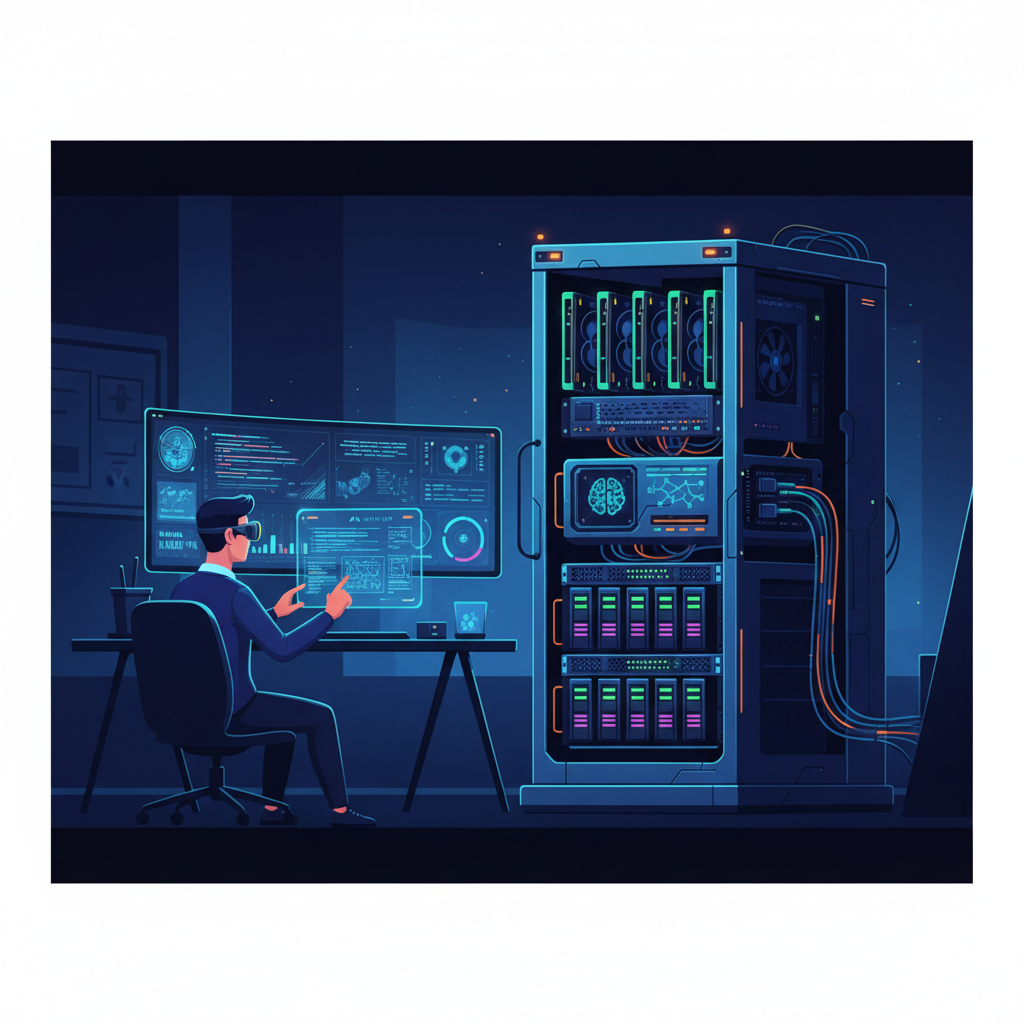
Image: AI-generated
Option 3: Cloud-Hybrid with a VPS Anchor
Not everyone has the space, power, or capital for a massive local rig. A smart alternative is to anchor your development environment on a powerful, cost-effective Virtual Private Server (VPS) from a provider like Contabo. You can host your Git server, continuous integration runners, and even smaller models on the VPS, accessible from anywhere, while reserving your local machine’s GPU for heavy-lift inference and training. This creates a flexible, scalable, and portable development ecosystem.
Software Stack: The Brains of Your Operation
With hardware sorted, the software layer is where your platform comes to life. The 2026 ecosystem is mature and developer-friendly.
- Operating System & Virtualization: Ubuntu 24.04 LTS or its 2026 successor remains the gold standard for stability and driver support. Use Docker and Docker Compose religiously to containerize every service. For managing multiple isolated environments, consider Proxmox VE as a hypervisor to run separate VMs for different projects or team members.
- Model Serving & Orchestration: This is the heart of your AI dev platform. Ollama remains indispensable for pulling, running, and managing a vast library of large language models with a simple CLI. Pair it with Open WebUI or Continue.dev for a ChatGPT-like interface. For more advanced orchestration, serving, and scaling of multiple models (LLMs, vision, audio), vLLM and Text Generation Inference (TGI) are production-grade tools you can run locally.
- Development & Automation Hubs: Your AI agents need to do more than just chat. Integrate your models with automation platforms. n8n is a phenomenal, self-hostable node-based workflow automation tool that can connect your local LLM to APIs, databases, and internal services, turning it into a true autonomous agent. For connecting cloud and local services, Make.com offers powerful scenario-based automation.
- Coding-Specific Environment: To truly integrate AI into your development workflow, use an AI-first IDE. Cursor is the editor of choice for many in 2026, as it seamlessly connects to both local models (via Ollama) and cloud APIs, providing code completion, agentic editing, and chat directly in your project. For macOS developers looking for a similar setup, our guide on setting up a local coding agent on macOS covers platform-specific nuances.
Step-by-Step: Assembling Your Platform
Let’s translate this into actionable steps for a standard single-GPU workstation setup.
Phase 1: Base System & Drivers
Install Ubuntu Server (for headless) or Desktop. Update the system. Install the latest NVIDIA or AMD GPU drivers. Install Docker and Docker Compose. Set up a dedicated user and directory structure (e.g., ~/homelab/).
Phase 2: Core AI Services
Create a docker-compose.yml file in your homelab directory. Define services for Ollama, Open WebUI, and a model orchestration tool like Lorax (the TGI-compatible server). Map your GPU through to the containers. Use volumes to persist model downloads and configuration. Start the stack with docker-compose up -d.
Phase 3: Pull and Test Your First Models
Access the Ollama CLI within its container or install it locally. Pull models suited to your hardware. Start with a coding specialist like deepseek-coder:latest or a generalist like llama3.1:70b (in a quantized format like Q4_K_M). Verify they run by querying them via the Open WebUI interface now accessible at http://your-lab-ip:3000.
Phase 4: Integration and Workflow
Configure your AI-powered IDE (like Cursor) to point to your local Ollama server’s API endpoint. Test code generation and explanation. Set up a separate container for n8n, and create a simple workflow that triggers a local model to summarize code commits or generate documentation. This is where your platform transitions from a model playground to a true development accelerator. To explore other tools that can boost this workflow, see our list of the top free AI tools for productivity in 2026.
Optimization and Maintenance for the Long Haul
A homelab is a living system. Keep your Docker images updated. Experiment with model quantization (using tools like llama.cpp or AWQ) to run larger models in limited VRAM. Implement a simple backup solution for your critical configurations and fine-tuned model adapters. Monitor GPU temperature and power usage. Most importantly, document your setup. The true value of your homelab in 2026 is not just in running models, but in the reproducible, self-owned environment you’ve created for innovation.
Building your homelab AI dev platform in 2026 is an investment in technical autonomy. It liberates you from API rate limits, egress fees, and black-box dependencies, placing the most exciting tools of the era directly under your control. The journey from assembling hardware to deploying your first autonomous coding agent is the ultimate deep dive into modern AI development.
Ready to Power Your Homelab Models?
For accessing a wide range of cutting-edge models—both open and closed-source—with a unified API, consider OpenRouter. It’s an excellent way to benchmark your local models against cloud offerings and easily switch between providers, making it a perfect companion for your homelab experimentation.
What to Read Next
Continue your AI development journey with more insights from AI Stack Digest. If you’re weighing the pros and cons of different AI assistants, our comparison on the latest benchmark breakthroughs between major models provides crucial context. For foundational knowledge, our guide on Zero-shot Learning explains a key capability of modern AI. Bookmark our site and subscribe to our newsletter to stay ahead in the rapidly evolving world of AI tools and development strategies.
This article was produced with the assistance of AI tools and reviewed by the AIStackDigest editorial team.