AI Coding Tool Guide: Supercharge Your Development Workflow

AI Tools & Automation Specialist
The landscape of software development is undergoing a profound transformation, thanks to the rapid advancements in artificial intelligence. AI coding tools, once a niche concept, are now becoming indispensable assets for developers aiming to boost productivity, write cleaner code, and accelerate project delivery. From intelligent code completion to complex refactoring and debugging assistance, these tools are fundamentally changing how we interact with our codebases.
This guide will explore the most prominent categories of AI coding tools, dive into specific examples like Cursor and GitHub Copilot, and provide practical insights into choosing and leveraging them effectively.
The Rise of AI in Software Development
For decades, programmers have sought ways to automate repetitive tasks and minimize errors. Early IDEs introduced autocompletion and syntax highlighting, offering incremental improvements. However, the advent of large language models (LLMs) has catapulted AI into a central role, allowing tools to understand context, generate entire functions, and even reason about code structure. This shift promises not just faster coding, but a more intelligent and intuitive development experience.
Categories of AI Coding Tools
AI coding tools can broadly be categorized by their primary function:
- Code Completion and Generation: These tools suggest or write entire blocks of code based on context, comments, or function signatures. They are the most common and often the first entry point for developers into AI assistance.
- Code Refactoring and Optimization: AI can analyze existing code for inefficiencies, suggest cleaner structures, or simplify complex logic, leading to more maintainable and performant applications.
- Debugging and Error Detection: By understanding common error patterns and potential pitfalls, AI can help identify bugs faster, suggest fixes, or even explain complex error messages.
- Code Search and Understanding: For large codebases, AI can act as an intelligent assistant to locate relevant code snippets, explain unfamiliar functions, or document existing logic.
- Natural Language to Code: Translating plain English descriptions into executable code, enabling rapid prototyping and bridging the gap for less experienced developers.
Deep Dive: GitHub Copilot
GitHub Copilot, powered by OpenAI’s Codex model, is arguably the most well-known AI coding assistant. It integrates seamlessly into popular IDEs like VS Code, Visual Studio, Neovim, and JetBrains IDEs, providing real-time code suggestions as you type.
How GitHub Copilot Works:
As you write code or comments, Copilot analyzes the surrounding context in your editor – including the file you’re editing, related files, and even docstrings. It then proposes code snippets, entire functions, or even boilerplate code that it predicts you might need. You can accept, reject, or cycle through suggestions with simple keyboard commands.
Practical Example: Auto-generating a Python function
Imagine you need a Python function to fetch data from a URL. You might start by writing a comment describing the function:
# Python function to fetch JSON data from a URL with a timeoutCopilot will then likely suggest a complete function:
import requests

def fetch_json_data(url: str, timeout: int = 5) -> dict:
    """
    Fetches JSON data from a given URL with a specified timeout.

    Args:
        url: The URL to fetch data from.
        timeout: The maximum time in seconds to wait for a response.

    Returns:
        A dictionary containing the JSON data, or an empty dictionary if an error occurs.
    """
    try:
        response = requests.get(url, timeout=timeout)
        response.raise_for_status()  # Raise an exception for bad status codes
        return response.json()
    except requests.exceptions.RequestException as e:
        print(f"Error fetching data from {url}: {e}")
        return {}
This significantly speeds up development, especially for common patterns or API interactions.
Deep Dive: Cursor
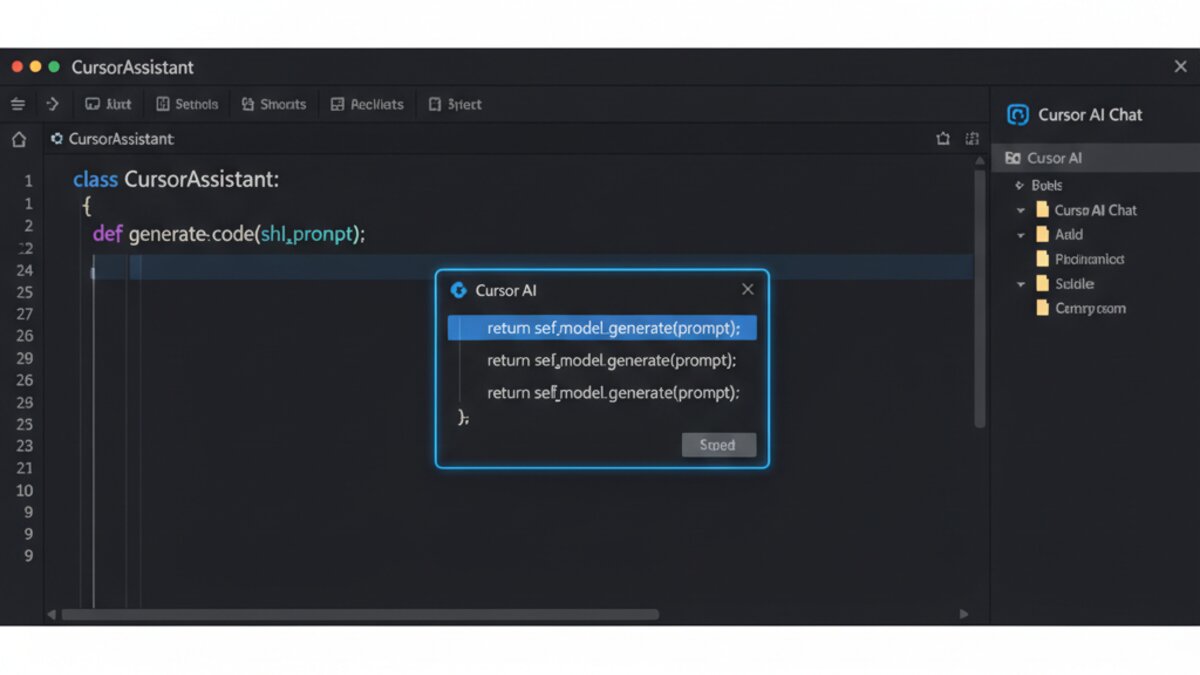
Cursor takes a different approach, positioning itself not just as an AI assistant, but as an AI-native IDE. Built on top of VS Code, it integrates powerful AI capabilities directly into the editing experience, allowing for more conversational interactions and complex tasks.
Key Features of Cursor:
- AI Chat: A dedicated chat interface lets you ask questions about your code, get explanations, request refactoring, or generate new functions using natural language.
- Code Actions: Beyond simple completion, Cursor can perform more complex operations like “Fix Lint Errors,” “Generate Docstrings,” or “Find Usages” across your codebase with AI assistance.
- Codebase-aware AI: Cursor indexes your entire codebase, enabling its AI to provide contextually relevant answers and suggestions that go beyond the current file.
- Debugging with AI: Interact with the debugger and ask AI questions about variable states or potential issues.
Practical Example: Refactoring with Cursor’s AI Chat
Suppose you have a function that’s doing too much:
// utilities.js
function processUserData(user, options) {
  // Validate user object
  if (!user || user.id === undefined) {
    throw new Error("Invalid user data");
  }
  // Apply options
  let processedUser = { ...user };
  if (options.normalizeName) {
    processedUser.name = processedUser.name.toLowerCase();
  }
  if (options.hashPassword) {
    processedUser.password = hash(processedUser.password); // Assume hash function exists
  }
  // Log activity
  console.log(`User ${user.id} processed.`);
  return processedUser;
}
In Cursor, you could highlight this function and open the AI Chat, then type:
Refactor this function to improve modularity. Separate validation, option application, and logging concerns into distinct functions or responsibilities.Cursor might then suggest a refactored version:
// utilities.js
function validateUser(user) {
    if (!user || user.id === undefined) {
        throw new Error("Invalid user data");
    }
}

function applyUserOptions(user, options) {
    let processedUser = { ...user };
    if (options.normalizeName) {
        processedUser.name = processedUser.name.toLowerCase();
    }
    if (options.hashPassword) {
        processedUser.password = hash(processedUser.password); // Assume hash function exists
    }
    return processedUser;
}

function logUserActivity(userId) {
    console.log(`User ${userId} processed.`);
}

function processUserData(user, options) {
    validateUser(user);
    const processedUser = applyUserOptions(user, options);
    logUserActivity(user.id);
    return processedUser;
}
This conversational approach allows for highly targeted and complex transformations.
Other Notable AI Coding Tools
- Claude Code & Gemini: While not dedicated IDEs, large language models like Claude and Gemini from OpenRouter excel at understanding code, generating snippets, performing code reviews, and explaining complex concepts. They can be integrated into workflows via APIs or their respective chat interfaces. Developers often use them for detailed code explanations, alternative implementations, or debugging logic.
- Windsurf (Hypothetical Example): Imagine a tool specialized in optimizing legacy codebases. It might analyze older languages like COBOL or Fortran, suggest modern equivalents, and partially automate migration efforts. (While Windsurf is a hypothetical example here, such specialized tools are emerging rapidly.)
Choosing the Right AI Coding Tool
Selecting an AI coding tool depends on your specific needs and workflow:
- Integration: Does it integrate with your preferred IDE (VS Code, JetBrains, etc.)? Seamless integration is crucial for productivity.
- Features: Do you need just code completion, or deeper capabilities like chat-based refactoring, debugging assistance, or codebase understanding?
- Language Support: Ensure the tool supports the programming languages and frameworks you primarily use.
- Privacy and Security: Understand how your code data is handled. Is it used for training models? Are there enterprise-grade privacy controls?
- Cost: Many tools offer free tiers or trials, but advanced features often come with a subscription.
- Performance: Latency in suggestions can be disruptive. Look for tools that offer quick and relevant responses.
Best Practices for Using AI Coding Tools
AI coding assistants are powerful, but they are tools, not replacements for human intelligence. Here are some best practices:
- Review AI-Generated Code: Always scrutinize generated code for correctness, security vulnerabilities, and adherence to coding standards. AI can hallucinate or produce suboptimal solutions.
- Understand the Context: Ensure the AI understands the broader context of your project. Provide clear comments, meaningful variable names, and well-structured code to guide its suggestions.
- Learn, Don’t Just Copy: Use AI as a learning aid. When it suggests code, try to understand why that solution works. This enhances your skills rather than just offloading thinking.
- Start with Simpler Tasks: Begin by using AI for boilerplate, common algorithms, or code explanation before relying on it for critical, complex logic.
- Iterate and Refine: Treat AI suggestions as a starting point. It’s often necessary to iterate on its output, combining it with your own insights and requirements.
The Future of AI in Coding
The trajectory of AI in coding points towards increasingly intelligent, context-aware, and collaborative tools. We can expect:
- More Granular Control: Finer control over AI behavior, allowing developers to customize suggestions to their specific coding style and project conventions.
- Proactive Learning: Tools that learn from your coding patterns and preferences over time, becoming more personalized and effective.
- Integrated AI Agents: AI agents that can tackle entire features or bug fixes, interacting with version control, testing frameworks, and deployment pipelines.
- Multimodal Interactions: The ability to interact with code using not just text, but also diagrams, voice commands, and even visual debugging.
Conclusion
AI coding tools are no longer a novelty; they are a fundamental shift in how software is built. By understanding their capabilities and integrating them thoughtfully into your workflow, you can significantly enhance your productivity, code quality, and overall developer experience. Embrace these tools, but always maintain your critical judgment, and you’ll be well-prepared for the future of coding.
What to Read Next
- Best AI Coding Models of 2026: GLM 5.2 vs Moonshot K2.7 Compared
- LoRA: What It Means in AI and Why It Matters (2026 Guide)
- Enterprises Grapple with Claude Fable 5 Downtime: Two-Thirds Had Already Built a Hedge Against AI System Failures
- Unlocking Insights: The Best AI Tools for Data Analysis and Business Intelligence in 2026
- Browse all AI Stack Digest articles
Bookmark aistackdigest.com for daily AI tools, reviews, and workflow guides.
This article was produced with the assistance of AI tools and reviewed by the AIStackDigest editorial team.