
AI Tools & Automation Specialist
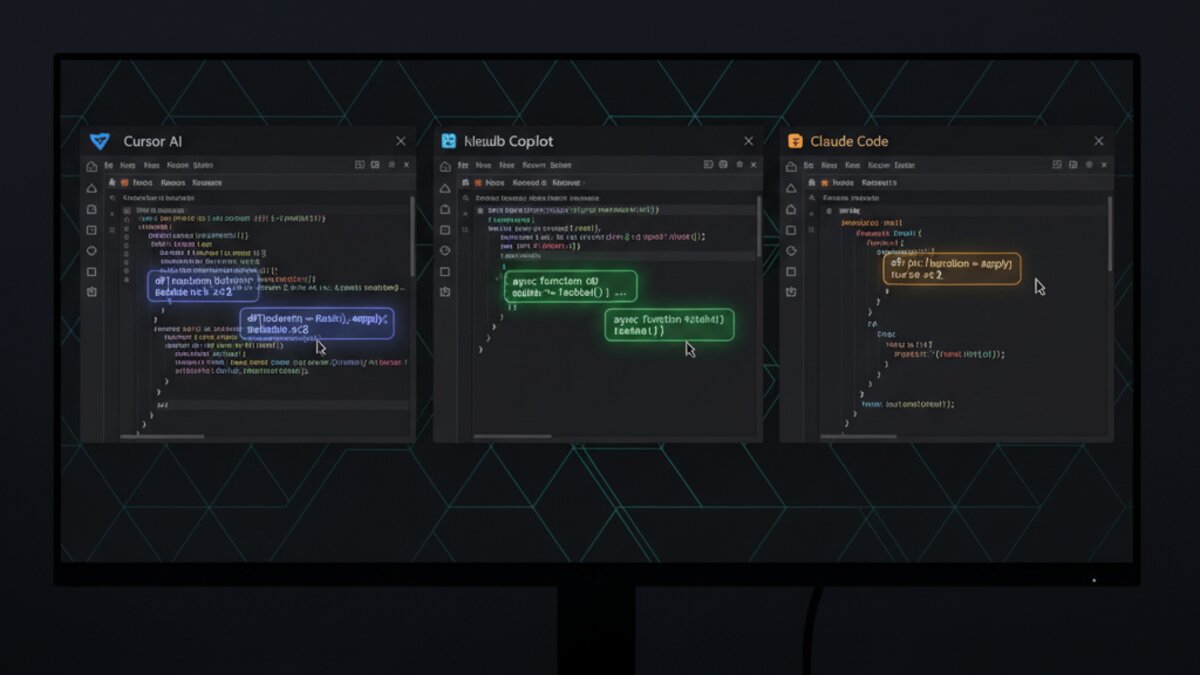
In 2026, AI coding assistants have moved from novelty to necessity. If you’re still writing code without one, you’re leaving serious speed on the table. But with Cursor, GitHub Copilot, Claude Code, and Windsurf all vying for your editor real estate, picking the right tool — and using it effectively — is no longer obvious. This guide breaks down the practical differences and shows you exactly how to get the most out of each.
The Big Four: A Quick Orientation
Before diving into workflows, here’s where each tool stands in mid-2026:
- Cursor — A VS Code fork with deep AI integration. The gold standard for “AI-native” editing, with inline chat, multi-file context, and an agent mode that can actually execute multi-step refactors autonomously.
- GitHub Copilot — Microsoft’s offering, now deeply integrated into VS Code, JetBrains IDEs, and the CLI. Best-in-class for autocomplete inside large existing codebases you’ve already got open.
- Claude Code — Anthropic’s terminal-first CLI agent. Not an IDE plugin — it’s a reasoning-heavy tool you invoke for complex tasks: full feature implementations, large-scale refactors, debugging obscure bugs.
- Windsurf — Codeium’s polished AI IDE, growing fast. Competes directly with Cursor but with a cleaner UX and a strong “Cascade” agent flow for multi-step work.
Cursor: Master the Context Window
Cursor’s biggest unlock is @-mentions. Most users type natural language into the chat and get generic answers. Power users use @file, @folder, and @codebase to surgically feed Cursor exactly what it needs.
Here’s a practical pattern for adding a new API endpoint to an existing Express app:
@file routes/users.js @file middleware/auth.js

Add a PATCH /users/:id/preferences endpoint. It should:
- Validate the request body against the UserPreferences Zod schema
- Check authentication via the existing requireAuth middleware
- Return 200 with the updated user object on success
- Follow the same error-handling pattern as the existing routes
By anchoring the request with real file context, you get code that actually fits your existing patterns — not boilerplate that needs rewriting. For bigger changes, switch to Agent mode (Cmd+Shift+I on Mac). Cursor will plan the change, edit multiple files, run your linter, and iterate if there are errors — all without you babysitting each step.
One critical tip: keep your .cursorrules file updated. This is a project-level instruction file (place it at the repo root) where you declare your coding conventions, preferred libraries, and style rules. Every Cursor conversation inherits it automatically.
GitHub Copilot: Where It Still Wins
Image: Microsoft Copilot
Copilot’s autocomplete model — trained on vast public code — is still the best raw line-completion engine available. It shines for two scenarios most guides ignore:
- Boilerplate-heavy languages: Java, C#, and Kotlin configs, XML, Terraform, and YAML are where Copilot’s suggestions are near-magical. It predicts entire resource blocks, not just lines.
- Working inside massive legacy codebases: When your repo has 300 files open in VS Code, Copilot’s workspace-aware suggestions stay relevant in ways that lighter tools struggle with.
The most underused feature in 2026 is Copilot in the CLI. Install it with gh extension install github/gh-copilot and you can ask:
gh copilot suggest "Find all Docker containers using more than 500MB of memory and list their names and IDs"It returns the exact shell command. This is faster than Stack Overflow, safer than guessing flags, and works for Git, kubectl, ffmpeg, and anything else with complex syntax.
Claude Code: Bring It In for the Hard Stuff

Image: Anthropic / Claude
Claude Code isn’t trying to replace your IDE autocomplete. Think of it as the senior engineer you call in when something is genuinely complex — a large refactor, a nasty bug with no obvious cause, or implementing a feature that touches a dozen files.
The key is giving it permission to explore. A weak prompt is:
Fix the login bugA strong prompt is:
There's an intermittent 401 error hitting our /auth/refresh endpoint, but only when the user's session was created before the token rotation we deployed last Tuesday. The relevant files are auth/token-service.ts, middleware/session.ts, and the Redis session schema in config/redis.ts. Investigate the root cause, explain what's happening, and implement a fix that's backward-compatible with existing sessions.Claude Code will read the files, reason through the problem, and produce a patch with a detailed explanation. That explanation matters — it’s how you learn what went wrong, not just accept a black-box fix.
For teams, Claude Code integrates cleanly into CI pipelines. You can wire it into your GitHub Actions workflow to auto-investigate failing tests and post an analysis comment on the PR before a human looks at it.
Windsurf: The Cascade Workflow
Windsurf’s standout feature is Cascade — a multi-step agent that works differently from Cursor’s agent. Where Cursor’s agent is conversational, Cascade is more structured: it creates a visible plan, executes each step, and lets you approve or redirect at each stage.
This makes it excellent for developers who want AI to do heavy lifting but don’t want a black box. Try this workflow for implementing a new feature from a ticket:
Implement the feature described in TICKET-447: add CSV export to the /reports dashboard. The export should include the same date-range filters as the current table view. Use the existing ExportService class. Add a test for the date filter logic.Windsurf will outline its plan — file creation, edits, test additions — and execute with you watching. You can pause, correct course, or let it run. It’s a noticeably more transparent experience than alternatives, which matters when you’re working in a production codebase.
Choosing Your Stack: A Practical Decision Framework
- Solo developer, greenfield project: Cursor as primary IDE + Claude Code for architecture decisions and complex debugging.
- Enterprise team on JetBrains or VS Code: GitHub Copilot for the IDE integration + Claude Code in CI for automated PR review.
- Developer who values transparency and AI-guided workflow: Windsurf as primary, Claude Code as a second opinion on hard problems.
- Backend/DevOps heavy: GitHub Copilot CLI + Claude Code — both shine in terminal and infrastructure code.
The honest answer is that mixing tools is valid. Your IDE’s autocomplete (Copilot or Cursor) handles the ongoing flow. An agent-based tool (Claude Code or Windsurf’s Cascade) handles the complex, multi-file, multi-step work. They don’t compete — they complement.
The Prompting Principle That Changes Everything
Across all four tools, one principle separates mediocre output from genuinely useful output: give context, not just commands.
Every time you’re about to write a prompt, ask yourself: does the AI know why I’m making this change, what already exists, and what constraints apply? If the answer is no to any of those, add a sentence. The extra ten seconds costs nothing. The quality difference is consistent.
AI coding tools in 2026 are genuinely capable — but they’re only as smart as the context you give them. Learn to write good prompts for your AI coder the same way you’d learn to write good tickets for a human developer. The returns compound.
If you’re exploring multiple AI model providers to power your own AI tools or workflows, OpenRouter gives you unified API access to every major model — Claude, GPT-4, Gemini, and more — from a single endpoint.
This article was produced with the assistance of AI tools and reviewed by the AIStackDigest editorial team.