
OpenClaw & AI Agents Expert
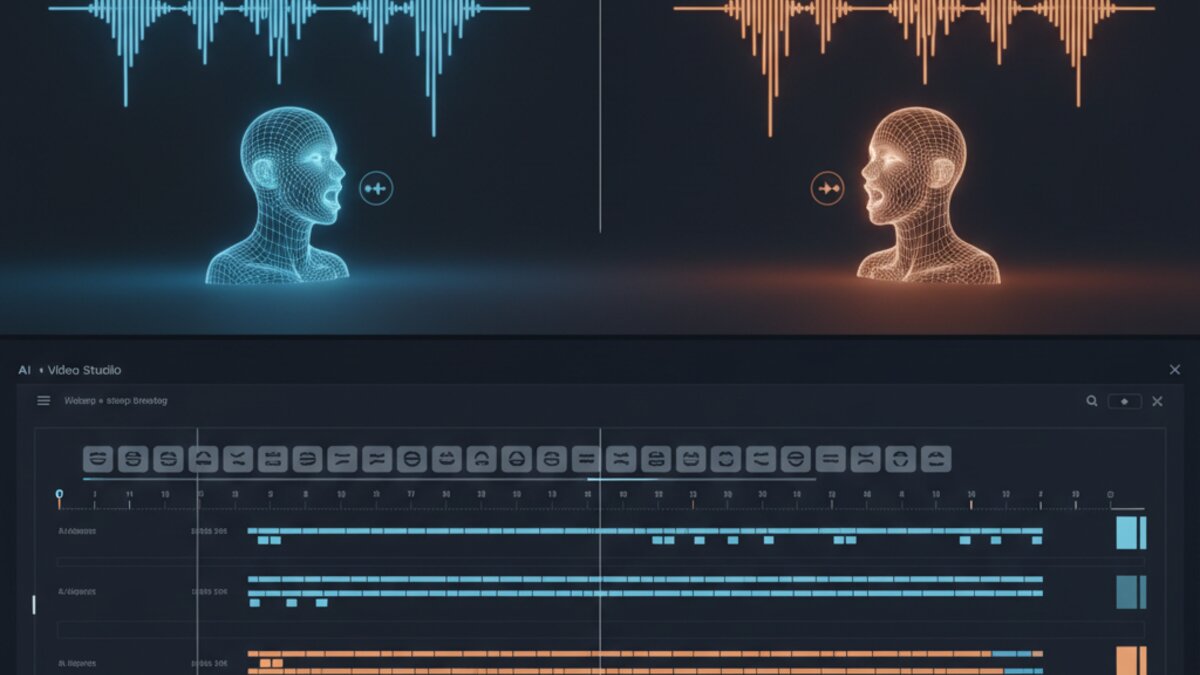
For most of AI video’s short history, the mouth gave everything away. The lighting could be perfect, the background could be photoreal, and a generated face could hold up in a still frame — but the second a character opened its mouth, the illusion collapsed. Jaws floated a beat behind the audio. Vowels looked like consonants. Viewers stopped watching the story and started watching the mismatch.
That weak point is largely gone now. Across 2026, a wave of multimodal video-audio models closed the gap between speech and mouth movement, and lip sync went from “impressive demo” to “usable production feature” almost overnight. If you’re building talking avatars, localizing training videos into a dozen languages, or animating a singing character for a YouTube Short, the tooling landscape has genuinely changed. Here’s what’s actually working right now, and how to pick the right tool for the job.
Why Lip Sync Became the Make-or-Break Feature
Lip sync is deceptively hard because it’s not really a lip problem — it’s a timing and coordination problem. A convincing talking shot needs three things to line up simultaneously: audio phonemes matched to visible mouth shapes, jaw and facial muscle motion that stays temporally consistent frame to frame, and head or body movement that doesn’t feel bolted on. Miss any one of those and the brain flags it instantly, even if it can’t articulate why.
What changed in 2026 is architectural. Rather than generating video first and patching audio-driven mouth movement onto it afterward, the newer systems treat audio and video as one generation problem, with cross-attention layers linking sound energy directly to visible articulation. The result is fewer “almost right” mouths and more clips where viewers simply stop noticing the mouth and start listening to what’s being said — which is the actual goal.
Grok Imagine: The Multimodal All-Rounder
xAI’s Grok Imagine has become one of the most talked-about names in this cycle, largely because of its range rather than any single standout feature. It handles text-to-video, image-to-video animation, and video editing inside one pipeline, with native synchronized lip sync and ambient audio generated alongside the visuals rather than added afterward.
In practice that means a roughly 15-second clip takes a little over a minute to render, at resolutions up to 1080p on higher tiers, with base duration around 10 seconds extendable further. The audio-visual generation happens together, which noticeably reduces the “patched on” feeling common in earlier avatar tools. It’s a strong pick if you want one platform that can go from a prompt to a finished talking clip without stitching together three separate services.
Kling 3.0: Cinematic Dialogue and Singing Scenes

Image: Kling AI
Kuaishou’s Kling has taken a different angle, leaning into cinematic control rather than raw speed. Kling 3.0 supports multi-shot storytelling within a single generation (up to six cuts), motion transfer from a reference video, and multi-language lip sync at native resolutions up to 4K.
The advantage shows up in a specific scenario: dialogue scenes that need camera movement, not just a static talking head. Many lip-sync tools default to a stationary frame because motion makes synchronization harder. Kling handles a moving camera and a speaking character at the same time reasonably well, which matters for music videos, singing characters, and anything that needs to feel directed rather than recorded. Its dedicated lip-sync API also accepts existing footage from 2 to 60 seconds, so it doubles as a dubbing tool for content you’ve already shot.
HeyGen: Built for Multilingual Localization at Scale
If your use case is less “cinematic character” and more “one training video, twelve languages,” HeyGen remains the strongest option. Its video translator supports more than 175 languages and adjusts lip movement for the translated speech while preserving the original speaker’s tone and delivery. A single script can become avatar-led content in several languages without re-recording anything.
This is the practical choice for corporate training, product demos, sales enablement, and international YouTube channels — anywhere the value comes from producing the same message many times over rather than a single striking shot.
Runway Act-Two: Performance Capture, Not Just Sync
Image: Runway ML
Runway takes a different approach entirely. Rather than generating mouth movement from text or audio alone, its Act-Two workflow uses a driving performance video and transfers the speech, expressions, and head movement from a real recorded performance onto a character reference. That distinction matters more than it sounds: a convincing speaking shot isn’t just an accurate mouth, it’s a tilted head, a raised eyebrow, a pause before a key word. By capturing an actual performance, Runway preserves those human choices instead of asking a model to invent them from scratch. For dramatic monologues or expressive dialogue, that control is hard to replicate with pure text-to-video generation.
Sync Labs and Specialist APIs
Not every use case needs a full creative platform. If you already have footage and audio and just need mouths to match — for ad localization, film dialogue replacement, or high-volume automated dubbing — dedicated lip-sync APIs like Sync Labs fill that gap. They offer multiple model tiers trading speed for quality, SDKs for Python and TypeScript, and integrations with tools like Adobe Premiere and ComfyUI. It’s the option for teams that have already built a production pipeline and need one well-defined component slotted in, rather than a full creative suite.
Where Lip Sync Still Goes Wrong
Even the best 2026 tools produce weak results with unsuitable source material. A few recurring failure points are worth knowing before you generate anything:
- Obstructed mouths. Hands, hair, microphones, and heavy shadows reduce the visible information a model needs to sync accurately.
- Messy audio. Background music, echo, or overlapping speakers confuse timing models. Use a clean dialogue stem whenever possible.
- Extreme head angles. A three-quarter angle usually works; a full profile shot removes too much visible mouth data.
- Singing treated like speech. Singing stretches vowels and exaggerates mouth shapes differently than talking — use a model or mode built for it, and test the chorus before processing a full track.
- Multiple simultaneous speakers. Process each speaker separately and edit them together conventionally rather than asking one generation to handle a group conversation.
A dependable workflow looks roughly like this: lock the script before generating anything, approve the voice track for pronunciation and pacing, keep the face clearly visible and the shot reasonably stable, process one speaker at a time, and review the output frame by frame around difficult consonants and long vowels rather than just skimming the final render.
Building a Pipeline Instead of a One-Off Clip
Most of these tools work well in isolation but even better when chained together. A common pattern emerging this year: generate the base video with one model, run dedicated lip sync or translation as a separate pass, then automate distribution. Tools like Make.com are increasingly used to wire these steps together — triggering a lip-sync API call when a new script lands in a spreadsheet, then routing the finished clip to social channels automatically. For teams comparing model quality and cost across providers before committing to one API, OpenRouter makes it straightforward to test multiple multimodal models through a single integration rather than negotiating separate API keys for each vendor.
The Ethics Question Nobody Gets to Skip
As lip sync quality improves, so does its potential for misuse. Convincing synchronized speech makes it possible to put words in someone’s mouth — literally. The tools worth building a workflow around are the ones that make provenance, consent, and disclosure easy to handle, not just the ones with the flashiest demo reel. Use lip-sync technology only with voices, footage, and likenesses you own or have explicit permission to modify, and disclose synthetic media whenever the context could otherwise mislead a viewer. That’s not a legal footnote; it’s the difference between a tool people trust and one they eventually regulate into uselessness.
The Bottom Line
2026 is the year AI video stopped sounding fake. The practical question has shifted from “can this work at all?” to “which workflow actually gets this published faster?” Grok Imagine and Kling 3.0 are pushing the frontier on all-in-one generation quality, HeyGen owns multilingual scale, Runway preserves human performance nuance, and specialist APIs like Sync Labs plug straight into existing pipelines. Pick based on what you’re actually producing — a single striking scene, a training video in twelve languages, or a high-volume dubbing pipeline — rather than chasing whichever model made the most impressive demo this month.
Watch: AI Lip Sync Tools Compared
This article was produced with the assistance of AI tools and reviewed by the AIStackDigest editorial team.