

If you’re building AI-powered workflows in 2026, two platforms dominate the no-code automation conversation: n8n and Make.com. Both have grown far beyond their “Zapier alternative” origins. Today they’re fully-fledged automation ecosystems with deep AI integrations, agent-style execution, and developer-friendly APIs. But which one should you actually use? After spending months building real-world workflows on both platforms, the answer depends heavily on what you’re trying to build — and how much control you want over the process.
This guide breaks down n8n vs Make.com across five key dimensions: AI integration depth, workflow complexity, pricing model, self-hosting flexibility, and real-world use cases. Whether you’re a solo developer, a small agency, or an enterprise team, there’s a clear winner for your specific situation — and a few scenarios where using both makes more sense than picking one.
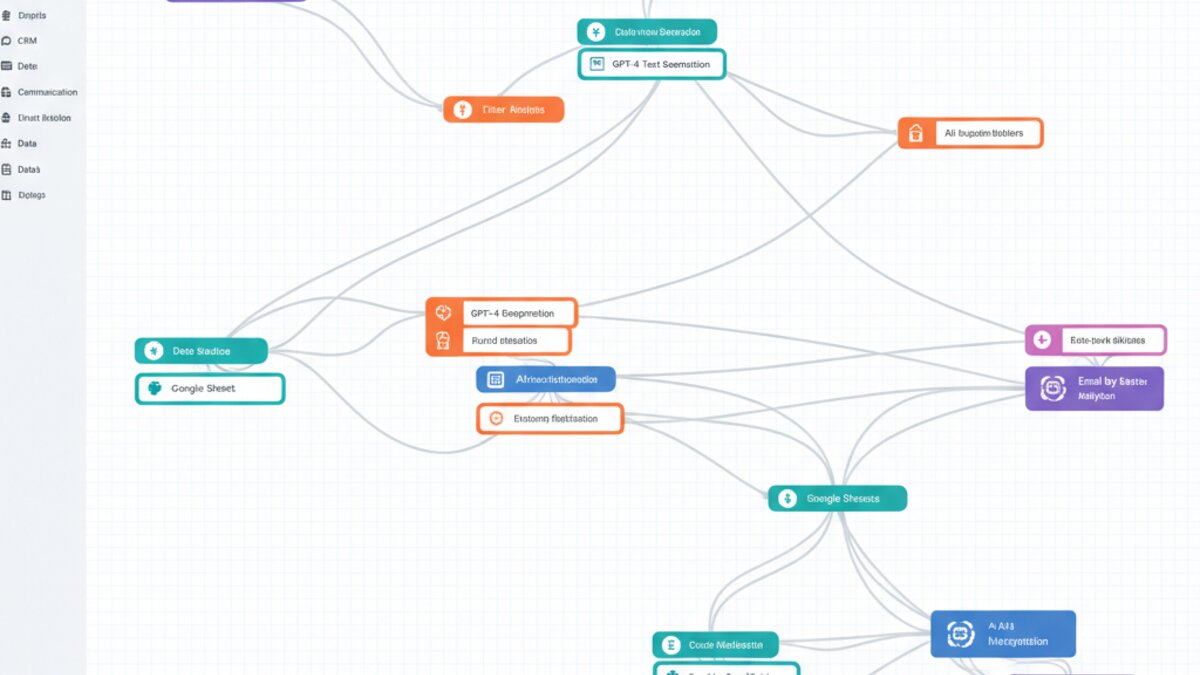
Image: AI-generated
AI Integration: How Deep Does Each Platform Go?
The most important dimension for 2026 is AI-native capability. Both platforms have moved well beyond simple webhook triggers, but they’ve taken very different architectural approaches.
n8n shines here with its AI Agent nodes — a proper implementation of the ReAct (Reasoning + Acting) framework. You can wire together a language model, a set of tools (web search, database queries, HTTP requests), and a memory store, then let the agent loop autonomously until a task is complete. The LangChain integration is native, meaning you get access to vector stores, retrievers, and chain types without writing a single line of code. For developers comfortable with JSON and logic-branching, n8n’s AI workflows feel genuinely powerful rather than bolted-on.
Make.com takes a more visual, accessible approach. Its OpenAI and Anthropic modules are polished and easy to configure, making it significantly easier to get a working AI pipeline in under ten minutes. The platform excels at multi-step scenarios where you’re chaining AI calls with app integrations — think: “When a new Typeform submission arrives, summarize it with Claude, update a Notion database, and send a Slack notification.” For these linear, trigger-action workflows, Make is faster to build and easier to maintain.
The verdict on AI integration: n8n wins for complex, agentic, or developer-heavy AI workflows. Make.com wins for straightforward AI-enhanced automation where speed of setup matters most.
Workflow Complexity and Debugging
Building a workflow is only half the job. The other half is figuring out what broke and why.
n8n’s execution log is exceptional. Every node run shows you the exact input and output data, making it trivial to trace errors in multi-step workflows. The canvas itself supports sub-workflows, sticky notes, and node grouping — features that become essential once your automations exceed fifteen or twenty nodes. The trade-off is a steeper learning curve: n8n’s expression language (using {{ }} syntax) takes time to master, and some integrations require manual JSON configuration rather than guided form fields.
Make.com’s scenario builder is among the most intuitive visual interfaces in no-code tooling. The data mapping panel auto-suggests fields from previous modules, and the built-in data transformer handles most string manipulation without custom expressions. Error handling is visual too — you can route error paths as easily as success paths. For teams where non-developers need to build or maintain workflows, Make’s UX is a significant operational advantage.

Image: AI-generated
Pricing: Operations vs Executions
Pricing models differ fundamentally, and this matters enormously at scale.
Make.com charges by operations — each module execution in a scenario counts as one operation. A 10-module scenario triggered 1,000 times per month consumes 10,000 operations. The Core plan at $9/month includes 10,000 operations, which sounds generous until you factor in AI calls that may loop dozens of times. Heavy AI use can burn through an operations budget surprisingly fast.
n8n Cloud charges per workflow execution (the whole run counts as one), which is dramatically more cost-effective for complex, multi-node AI workflows. The Starter plan at $20/month includes 2,500 executions — but a 50-node AI agent that runs 2,500 times still only consumes 2,500 of your quota. For AI-heavy use cases, this model is almost always cheaper at scale. And if you self-host n8n on your own infrastructure, the cost drops to zero for executions (you just pay compute).
According to Automate Hub’s 2026 cost analysis, teams running more than 500 complex AI workflows per month save an average of 60–70% by switching from Make.com to self-hosted n8n.
Self-Hosting: n8n’s Killer Advantage
This is where n8n pulls clearly ahead for any team with data privacy requirements or enterprise compliance needs. n8n is open-source (fair-code licensed) and trivially deployable via Docker, Railway, or a simple VPS. Your data never leaves your infrastructure. Your credentials stay encrypted on your own servers. For healthcare, fintech, or any regulated industry, this isn’t a nice-to-have — it’s a requirement.
Make.com is cloud-only. Full stop. There’s no self-hosted version, and your workflow data runs through Make’s European or US data centers depending on your plan tier. For many use cases this is perfectly fine, but it’s a hard blocker for certain enterprise deployments.
The self-hosting advantage also extends to customisation. n8n supports custom nodes written in TypeScript — meaning you can build first-class integrations for internal tools, proprietary APIs, or niche services that neither platform officially supports. This extensibility has driven a thriving community node ecosystem with hundreds of user-contributed integrations.
Real-World Use Cases: Which Platform Wins Where?
After testing both platforms across dozens of real workflows, here’s where each platform clearly wins:
- n8n wins for: AI agent loops, RAG pipelines, self-hosted data processing, developer-built internal tools, complex conditional logic, and anything touching sensitive data.
- Make.com wins for: Quick prototyping, non-technical team members, straightforward CRM/SaaS integrations, linear AI-enhanced workflows, and scenarios where polish and speed-of-setup outweigh flexibility.
- Use both for: Some teams run Make.com for client-facing, polished workflows maintained by operations staff, while running n8n internally for AI-heavy engineering pipelines. The two platforms can coexist productively.
The Verdict for 2026
If you’re a developer or technical team building serious AI automation — especially anything involving agents, custom integrations, or data privacy — n8n is the stronger long-term foundation. The self-hosting option, the per-execution pricing, and the depth of AI-native capabilities make it the platform most aligned with where AI automation is heading.
If you’re optimising for speed, accessibility, and a polished visual experience — particularly for workflows maintained by non-developers — Make.com remains one of the best-designed tools in the automation space. Its rapid iteration cycle, strong app marketplace, and intuitive UX keep it genuinely competitive.
The good news: both platforms offer generous free tiers. The best way to decide is to pick your top three use cases and build them on each platform. By the end of that exercise, you’ll know exactly which one fits your team’s workflow style — and that hands-on experience is worth more than any benchmark comparison.
Watch: n8n vs Make.com — AI Automation Deep Dive
Image: AI-generated
What to Read Next
- Best AI Workflow Automation Tools for Non-Technical Teams in 2026: A Commercial Investigation
- Best AI Deep Research Tools in 2026: Perplexity, Gemini, ChatGPT & More Compared
- OpenAI Slashes GPT-5.6 Luna Prices by 80 Percent, Sparking New Era of AI Affordability
- Cursor vs GitHub Copilot vs Windsurf: A Practical 2026 Guide to AI Coding Assistants
- Browse all AI Stack Digest articles
Bookmark aistackdigest.com for daily AI tools, reviews, and workflow guides.
This article was produced with the assistance of AI tools and reviewed by the AIStackDigest editorial team.